Coming soon Features / Teaser Studio
Teaser Studio.
The sixty seconds that sell your film.
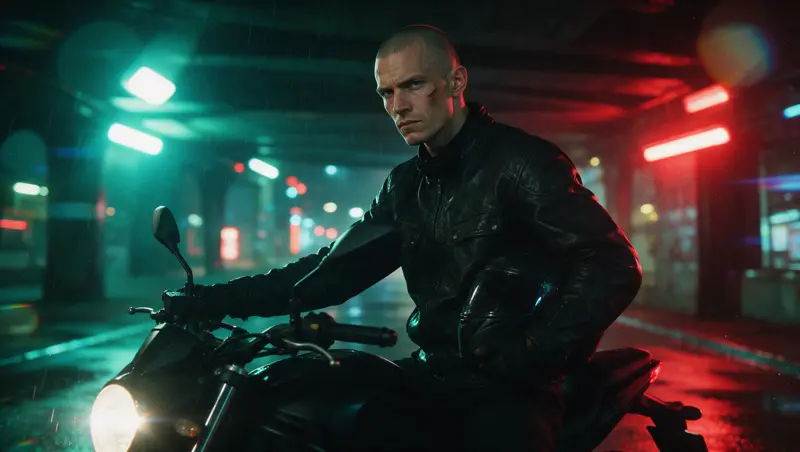
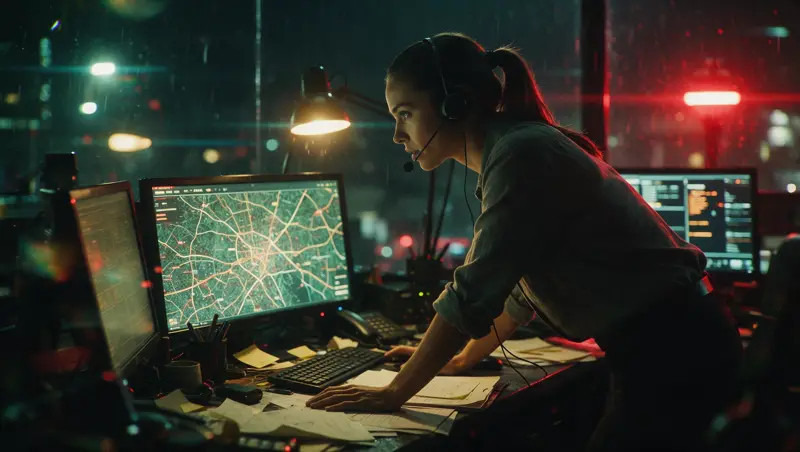
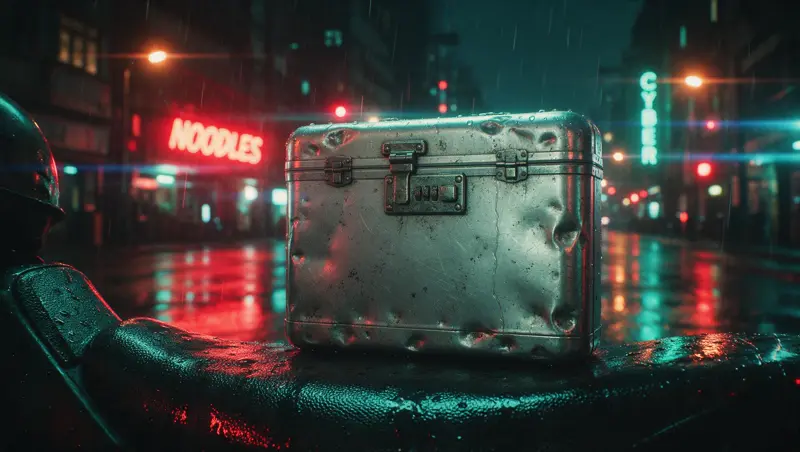
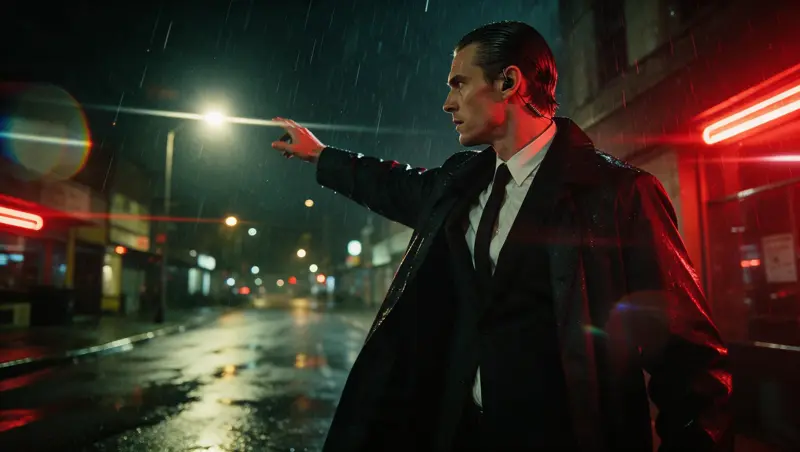
Write your teaser the way an editor thinks: a hook, the world, the turn, the title card. Pick 30, 60 or 90 seconds. The studio plans the shots to that length, casts your characters, boards it, cuts a silent reel to check the pace and renders it in 16:9, stopping at every step for your sign-off.
01 · Plan
Planned 60 seconds. Picked 58.
Teasers run long without anyone noticing, until the render bill does. The plan puts the length you asked for next to the length of the shots you picked, section by section, so you cut on paper, not after the render.
02 · Animatic, then teaser
Judge the rhythm before you pay for motion.
The animatic is a silent reel of stills in teaser order. Sign off the order and the pace there, at the price of stills. Video comes after, shot by shot, with the price on the button before each paid step.
03 · What you get
What is in it, and what is not yet.
A plain script
Your teaser is a normal Fountain script with sections: .HOOK, .WORLD, .TITLE. Write it here or in the editor you already use.
30, 60 or 90 seconds
One choice at the start. It sets the plan's target and the price class.
Title cards are shots
A line like > REDLINE < becomes a shot with the card's text, in the same cut.
Picture first
Music and voice-over are not in the studio yet. Lay them under the signed-off teaser in Edit or in your own editor.
04 · Questions
Questions.
Is it for sizzle reels and pitch reels too?
Yes. A sizzle reel or a pitch reel has the same shape: a hook, the world, the turn, a title. Write it as a teaser script.
Does it make music?
Not yet. Teaser Studio makes the picture. Until sound comes, you lay your own under it in Edit or in your editor.
When does it open?
Soon. Join the launch list and you hear first, with an access code to try it.
Your teaser, from script to final.