Keep continuity across shots
Let your own Claude compare the picks of an episode shot by shot, then handle what does not match as notes in the cut.
Steps
Connect your Claude
Looking at pictures costs tokens, so the visual check runs on your own Claude, on your own subscription, not on credits. Connect it under Settings, then Claude.
Ask for the check
Copy the prompt on this page into your Claude, with the name of your production. Claude reads the episode's shots in cut order, with the cast, sets and props each one uses, and looks at every pick.
Know what it compares
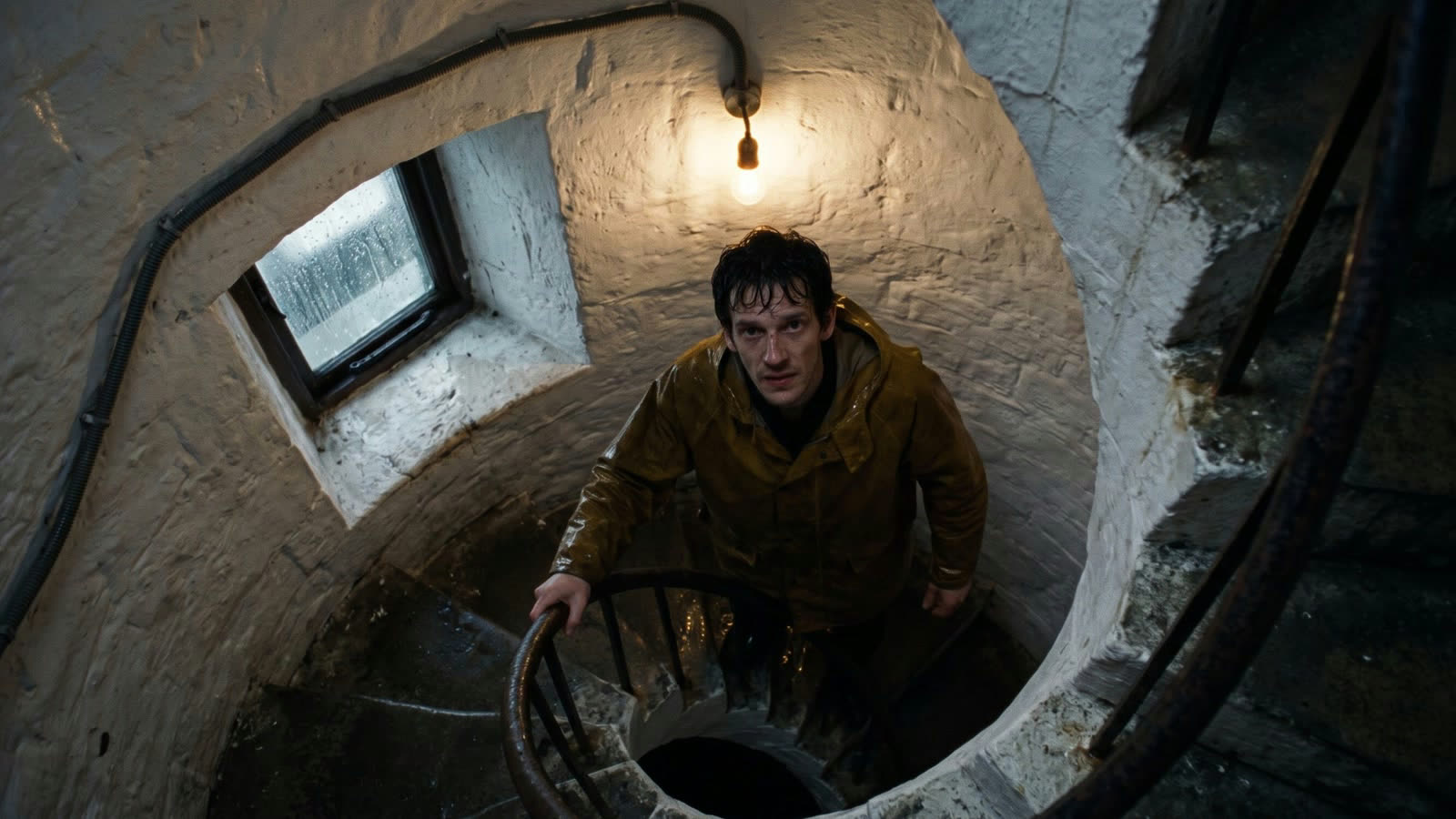
Each shot against the one before and after it, on five things: face, costume, props, light and geography. Is the oilskin coat the same in the stairwell as in the lamp room, and does the storm light come from the same side.
The free check comes along
When Claude reads the episode, Filmsquare also checks for free how each pick was made: another version of a cast member within a scene, a missing set, a video made from another still. No AI, no credits.
Find the notes
Every finding is a note on the shot's pick, with a box on the picture when Claude gave one. Open Edit, then Cut, and choose All notes to go through them in the order they play.
Fix it
Select the clip, tick the note under Retake from notes, choose Draft or Final and Retake; the price stands next to it. Choose Compare, then Use in cut: the note it answered is resolved.