Make your first take
Describe one shot, see the price before you start, and get your first still. No production needed.
Steps
Open Create
Create is the composer without a production. What you make here is a loose take: it stays in Create, and you can put it in a shot of a production whenever you like.
Choose Still
The composer makes a Still or a Video. Start with a still: it costs less than a video and is quick to judge. A still can become the start frame of a video later.
Describe the shot
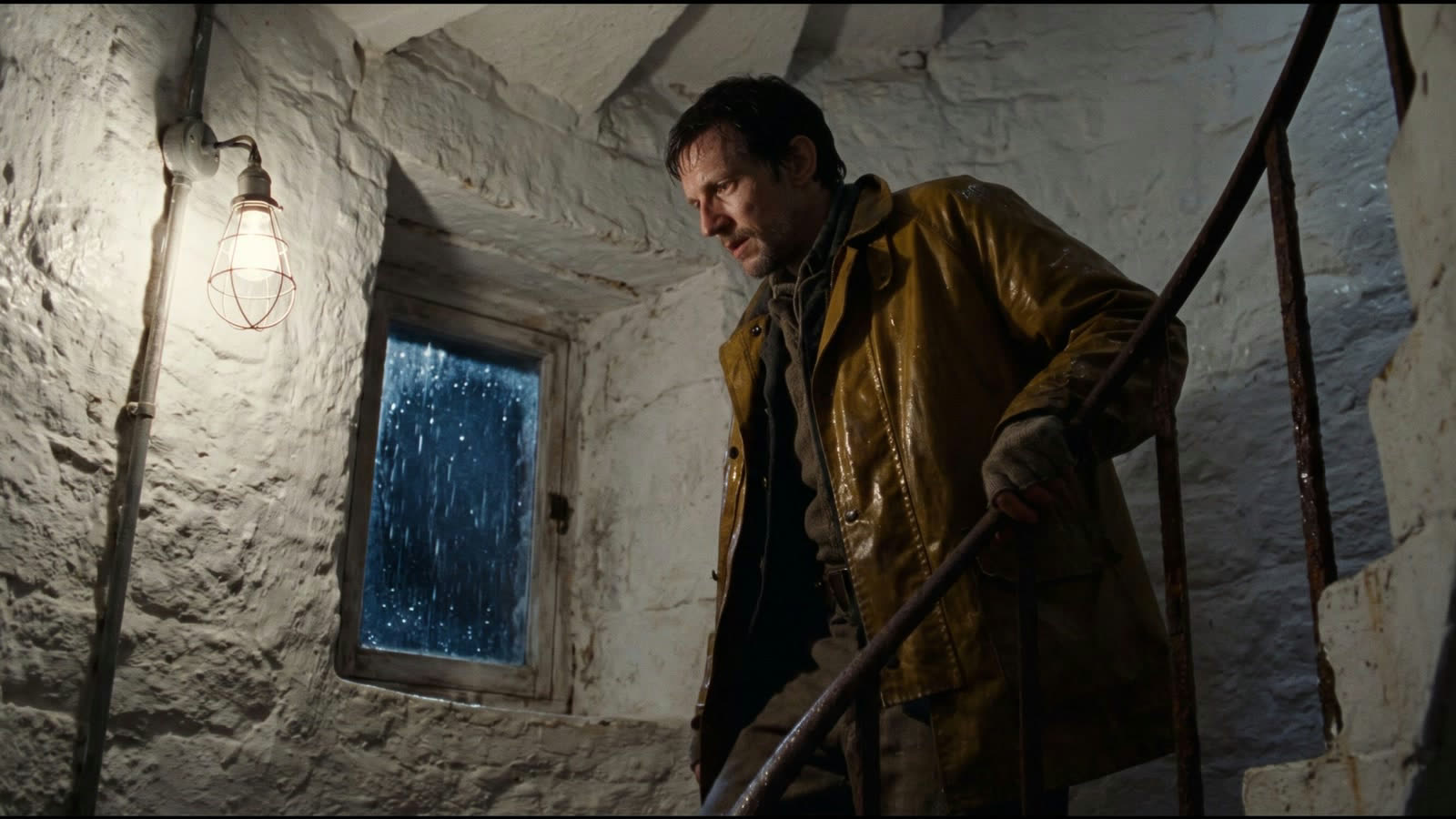
Write what the camera sees: who is in frame, where, the light and the lens. Or copy the prompt on this page and change it to your own shot. Everything else starts on Auto.
Generate
Choose Generate. The button shows the price in credits and euros before you start. Unless you choose a Model, Filmsquare picks one for you: in a new workspace, the cheapest capable one.
Keep the one you want
Your takes appear above the composer. Open one large to look closer. On the take you like, Variations makes more like it, Animate turns it into the start frame of a video, and Use in a production puts it in a shot.