How do I invite someone to my studio?
On this page
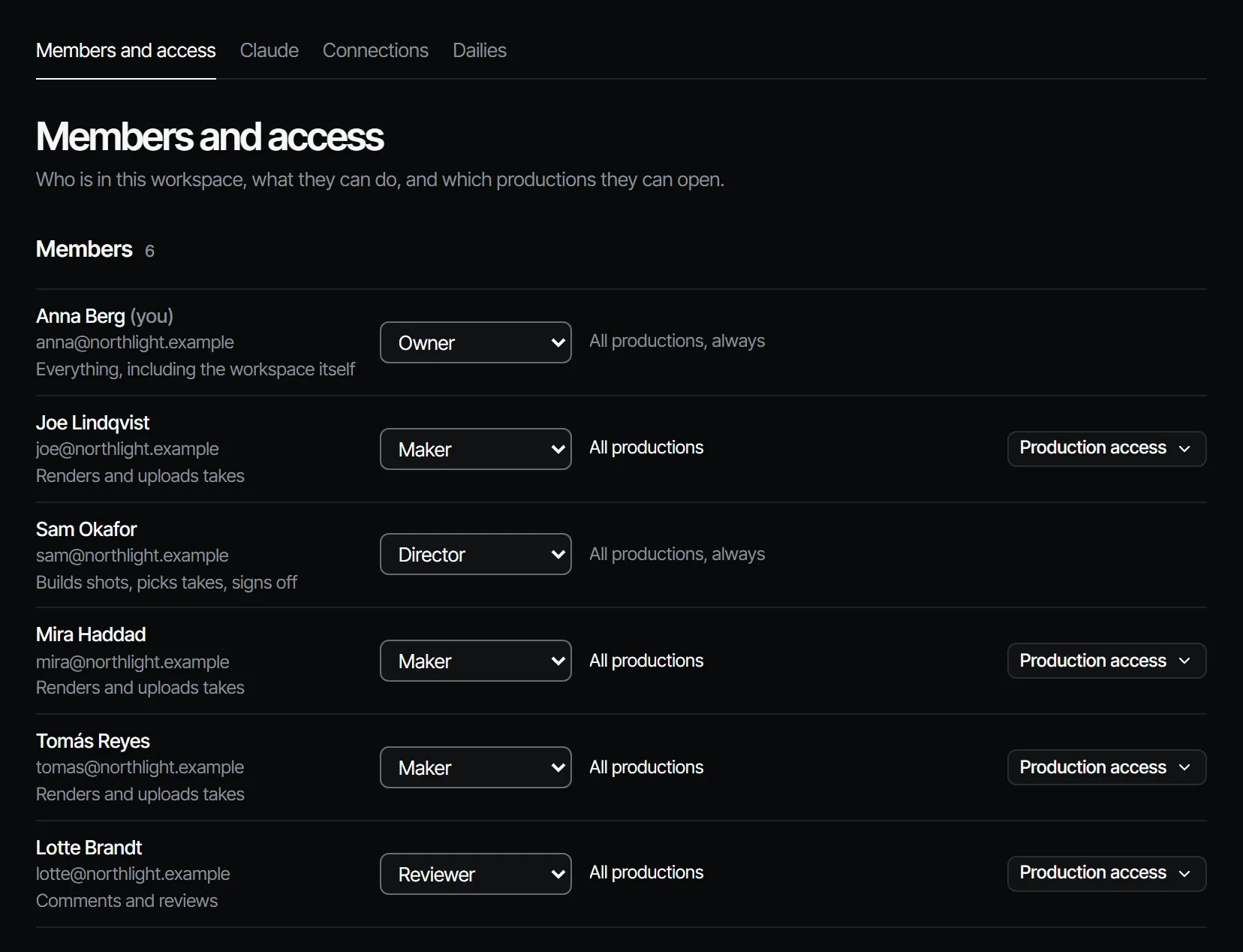
Owners and producers invite people from Members in Settings. You enter an email address and a role, choose which productions the person can open, and send the link. The invitation works once and expires after 7 days.
Invite a person #
- Open Settings from the workspace menu next to the logo, then Members.
- Go to Invite someone.
- Enter the Email and pick a Role. You can pick up to your own role, never owner.
- Under Productions, choose what they can open: All productions, Chosen productions or Assigned work only.
- Choose Send invitation. If a seat is needed and none is free, an owner sees Add a seat and send invitation with its monthly price.
- Choose Copy link and send the link to them. It is shown only at that moment.
What the person does #
They open the link, sign in or create an account (no access code is needed) and join with the role you chose. The link works only for the email address you invited. The invitation waits under Invitations until it is accepted. If it expires, send a new one.
Who needs a seat #
On a paid plan, owners, producers, directors and makers take a seat. Reviewers and viewers are free. See seats.
On Free nobody else joins: inviting someone, in any role, needs bought credits or a plan.
More in the docs: invite someone.