08
Cut, share and export
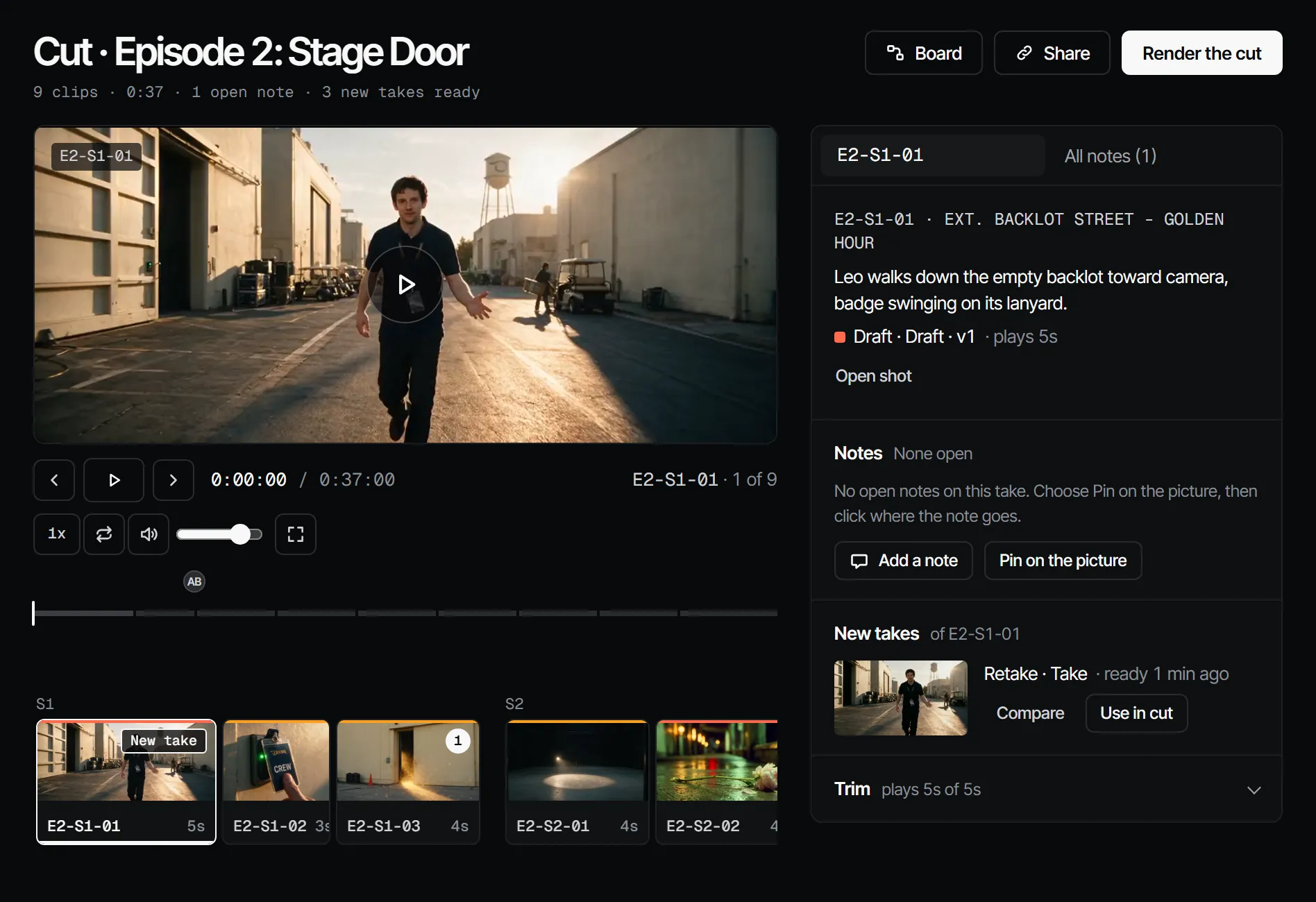
- 01How do I share a cut or a take with someone outside the crew?Choose Share, pick watch only or watch and note, set how long the link is open, and copy it. Guests sign in with their own account; you can revoke it any time.
- 02How do I watch my episode as one cut?Open Edit, then Cut: the picked takes of the episode play back to back in board order, and you can leave notes at a moment.
- 03How do I export my cut as a video?On Edit, then Cut, choose Export MP4, pick 720p or 1080p, then choose Download under Exports when it is ready.
- 04How do I take my cut to Premiere, Resolve or another editor?Use the Premiere or Resolve plugin, or Export OTIO on an editor edit. A finished render comes back as an uploaded video.
- 05How do I export everything in my studio?Owners choose Export workspace under Export in Settings: one JSON document of every production and links to the original media, kept seven days.