05
Models and tools
- 01Which model should I use for my shot?Leave the Model menu on Auto and Filmsquare routes each take to the cheapest capable model; this page lists what each model offers.
- 02What is the difference between a draft and a final?A draft is a quick, cheap take to choose from; a final is the picked draft rendered once at full quality, after the gate opens.
- 03How long can a take be, and in what resolution?It depends on the model: Seedance 2.5 makes 4 to 30 seconds up to 1080p, Kling 4.0 3 to 30 seconds at 720p. The composer offers only what the model allows.
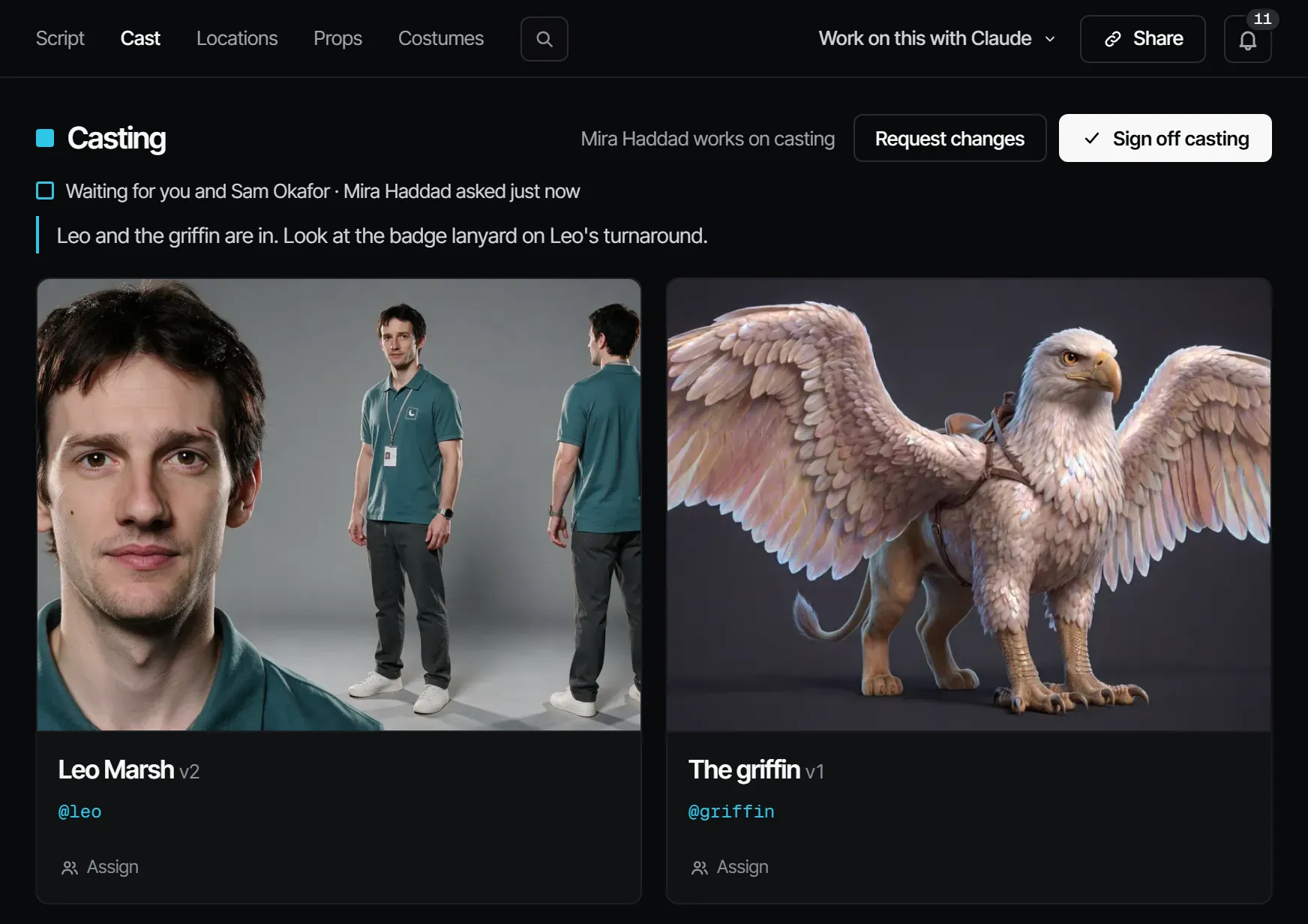
- 04How do I keep a character looking the same in every shot?Make the character a cast member with a signed-off sheet, then call its @handle in every shot; new looks are new versions and old picks stay as they were.
- 05Which tool do I use to fix or change a take?Create → Tools has ten tools, such as Recast, New angle, Extend and Upscale. Each makes a new take next to the original and leaves your pick alone.
- 06How do I upscale a take to 1080p or 4K?Create → Tools → Upscale makes a new take at 1080p, 2K or 4K from a take up to 30 seconds; Faithful leaves faces as they were.
- 07How do I make a character speak?Add a voice to a finished video take with Add voice, written per scene on ElevenLabs v4; then lay it on the take with the Lip sync tool.