How do I create an account?
Open sign-up is switched off for now. You create an account with an access code or with an invitation link from someone on a crew. Either way you use email and a password, or Google. With a code and a password you confirm your address from a mail first; with Google or an invitation you are signed in at once.
With an access code #
- Open https://app.filmsquare.ai and choose New here? Create an account.
- Enter your Work email and the Access code.
- Agree to the terms and choose Create account.
- Open the link in the mail you get, fill in Choose a password and choose Confirm. That confirms your address and signs you in.
Codes are not case-sensitive, and a code is used up only once your account exists. Don't have one? Email us: a code is how you ask for access.
With Google #
On the create-account page, fill in your Work email, the Access code and agree to the terms. Then choose Continue with Google instead of setting a password. Pick the Google account with that same address: signing in with it confirms your address, so there is no mail to wait for.
With an invitation link #
If someone invited you to their studio, you need no code.
- Open the link from the invitation.
- The page says Your invitation lets you in. Choose Create account with the invited email address and a password, or Continue with Google with that address.
- Choose Join followed by the workspace name to become a member, with the role you were invited as.
An invitation works once, for the address it was sent to, and expires after 7 days. Ask whoever invited you for a new one if it no longer works.
Your first workspace #
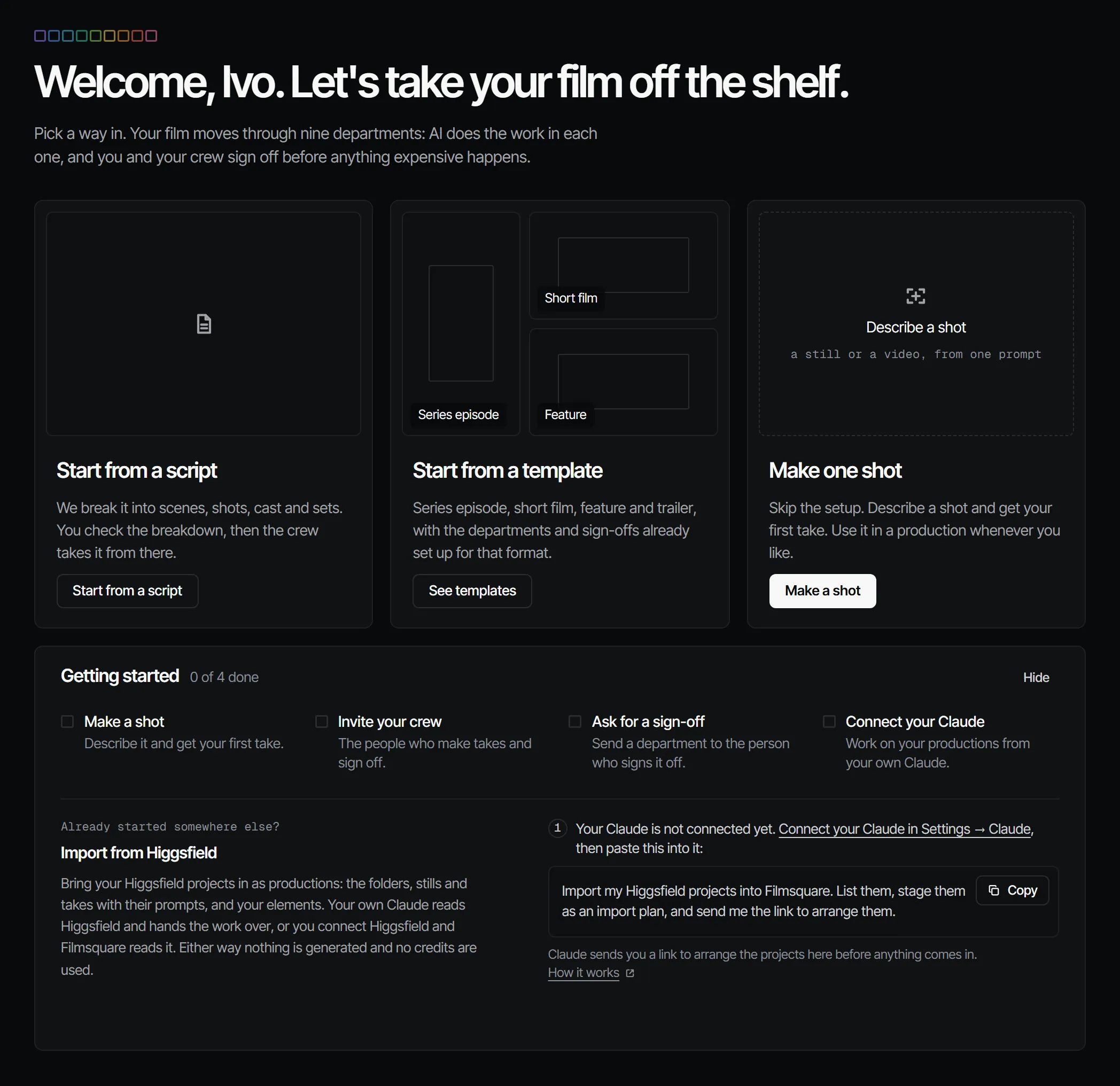
If you are in no workspace yet, Filmsquare asks for a Studio name. Choose Create workspace. The next screen shows how many credits your studio starts with. A code adds 500 credits · €25.00 by default. Choose Go to your studio. You are the owner of the workspace you create.
More in the docs: sign up and your workspace.