How do I write a good prompt for a shot?
Describe the shot, and let your elements carry the rest. You do not write a prompt for each model: Filmsquare compiles your shot, the elements it calls and the style into the prompt of the model that makes it.
Call your elements with @ #
An element is a cast member, set, prop or style that must look the same in every shot, and each has a handle such as
@anna or @backlot-street. Type @ in the composer, a prompt or a shot description to bring one in. On the
Elements screen, Copy @handle copies it and Search elements or @handle finds it.
What Filmsquare adds for you #
Filmsquare adds the element's reference pictures to the take, chosen for the shot's size and angle: a close shot of a cast member leans on a face reference, a wider shot on the look or full body. A main character can get a second view. So you do not drag references in by hand.
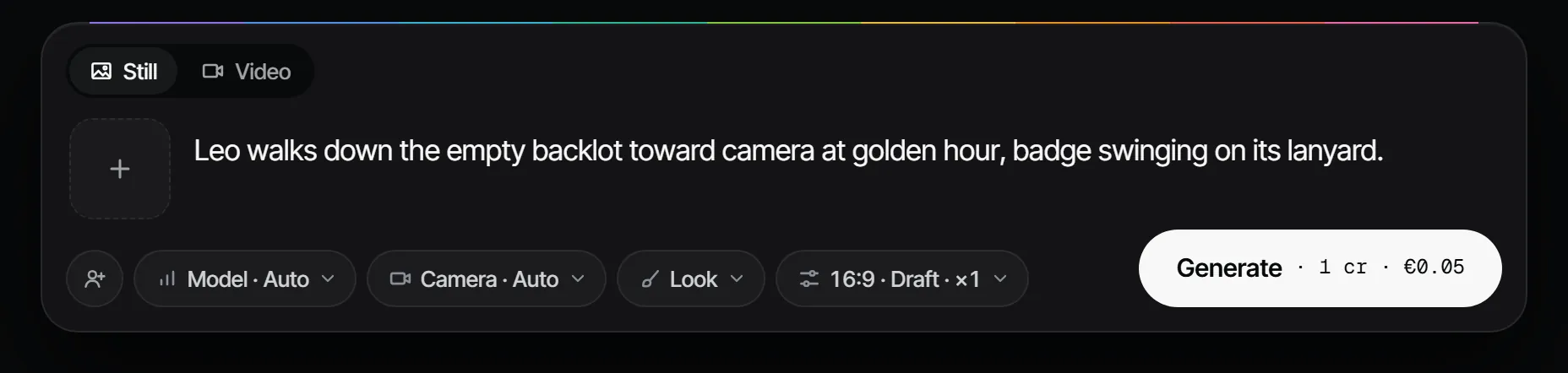
Try it cheaply #
- Write the shot with
@handles for who and where. - Leave Model alone to let Filmsquare choose, or pick one.
- Check the price on Generate, then choose Generate.
- If it is close, ask for Variations: two new drafts with the same prompt and new seeds.
If a take is refused, change the prompt or the references: see Why was my take refused by the model?.
More in the docs: @handles and making a take.