How do I export my cut as a video?
Export gives you the whole episode as one MP4 file. It is made from the picks of the cut at the moment you start, so you can keep working while it renders.
Export an MP4 #
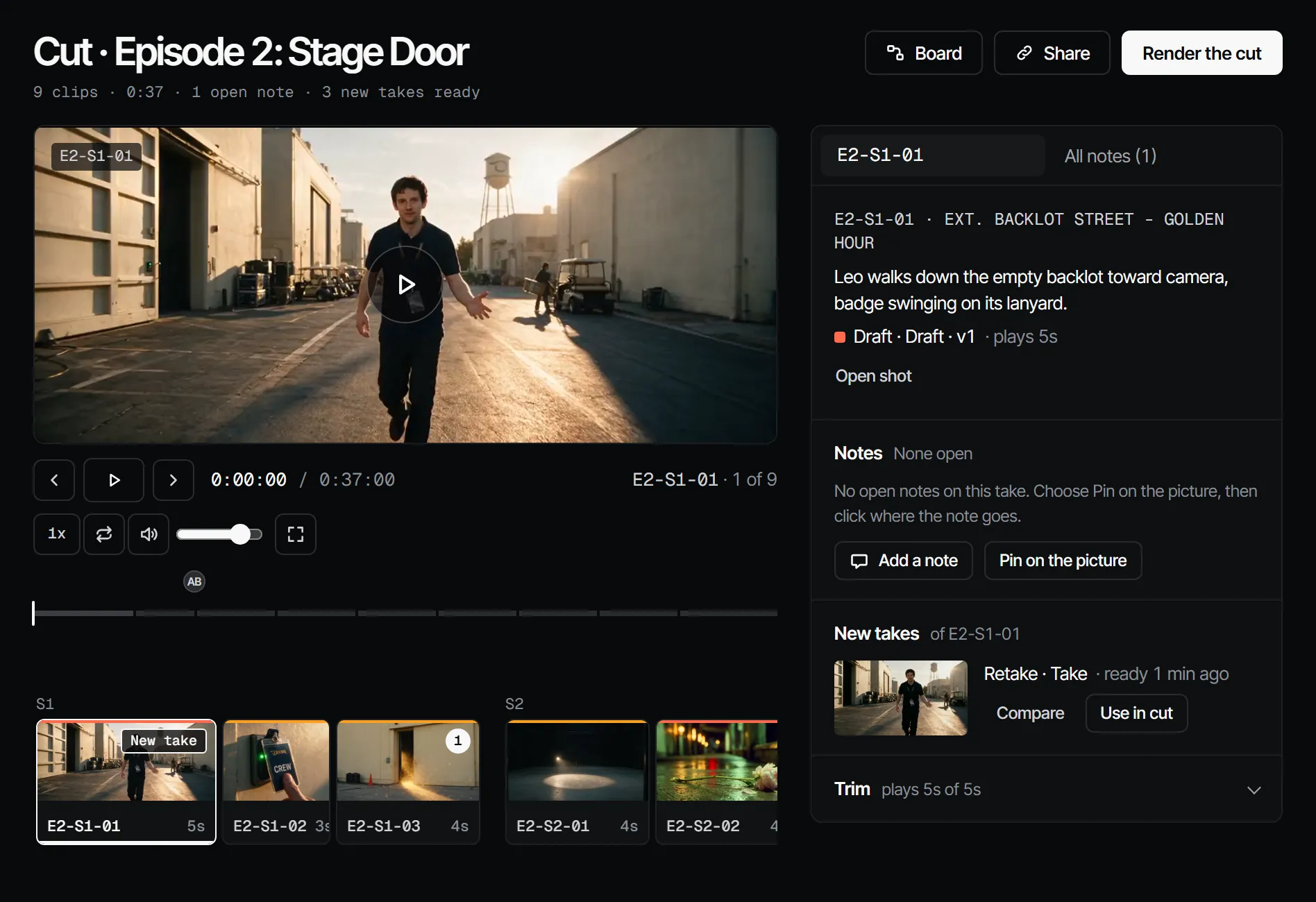
- Open Edit, then Cut.
- Choose Export MP4. The button shows for the maker role and higher.
- Pick 720p (the default) or 1080p, then choose Export 720p or Export 1080p.
- When it is ready, choose Download under Exports.
The short side of the picture is 720 or 1080 pixels, and the long side follows the aspect of the production, so a vertical production stays vertical. The file holds every clip with its trim, stills with their dialogue, and black for a shot with nothing picked.
What the file is for #
An exported file is something to download or share. It is not a version for review: guests and the crew give notes on a share link, and a montage made elsewhere goes back in as an uploaded video, see upload a video.