How do I let a freelancer see only their own work?
On this page
Invite the freelancer as a maker and set their production access to Assigned work only. They see no production until a brief in it is offered to them, and then they see that production and nothing else.
Invite them #
- Open Settings, then Members, and go to Invite someone.
- Enter their Email and pick the Role Maker.
- Under Productions, choose Assigned work only.
- Choose Send invitation, then Copy link and send it to them.
Show them a production #
A producer writes a brief under Crew & sign-off in the production and offers it to the maker with Offer brief. From that moment the freelancer sees the production the brief is in. If they decline the brief or it is cancelled, the production is hidden again. Assigning them to an item on the Crew page, or making them a signer of a step, also shows them that production. They find their briefs on Your work and My assignments.
Change access later #
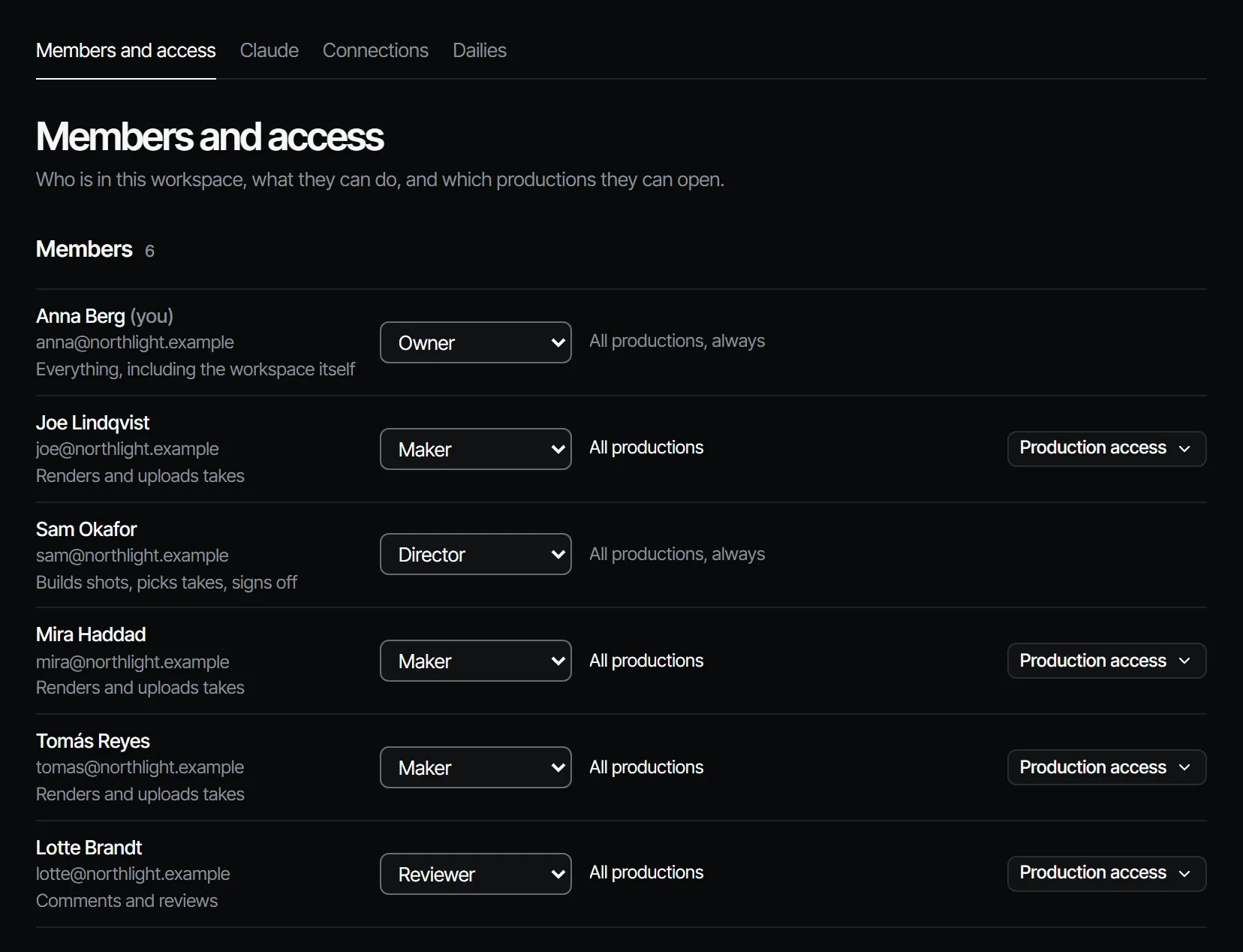
On Members, choose Production access on the member's row, change it, and choose Save access. The options are All productions, Only these productions (the ones you tick, plus any they are assigned work in) and Only what they are assigned.
More in the docs: production access and briefs and assignments.