How do I upgrade, downgrade or change my plan?
Only an owner changes the plan. Everything is on Billing: open it from the workspace menu, or choose Add credits under the credits meter. On Free or pay as you go you take out a plan with Get a plan. On Studio and Production Manage seats adds or removes seats. To move to another paid plan, you cancel the current one and take out the new one.
Get a plan #
- On Billing, under Your plan, choose Get a plan.
- Choose Makers or Business, then Monthly or Annual, then the plan.
- On a business plan, set the Number of seats.
- Choose Get with the plan's name and price, and pay on the page that opens. VAT is added where it applies.
The plan's credits land when the first invoice is paid. The plan's period starts on the day you pay.
Move to another plan #
Under the terms, a move to another paid plan means you cancel the current plan and take out the new one. Moving to Free works as a cancellation. On a paid plan, Change plan on the plan card opens the payment provider's billing page, the same page as Billing details.
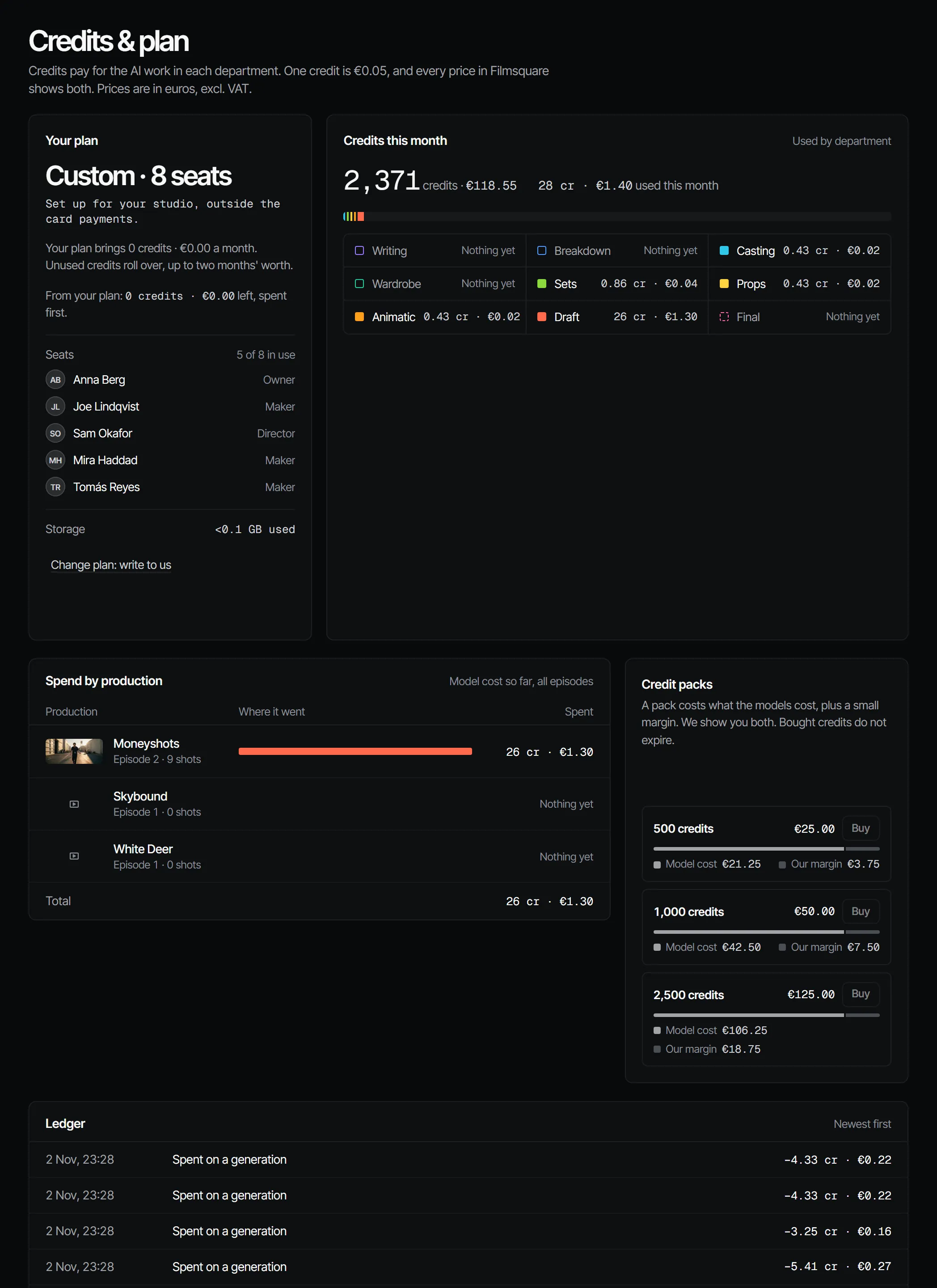
Enterprise has no self-service change: the plan card shows Change plan: write to us, which opens an email to us.
Add or remove seats #
Studio starts at 2 seats and Production at 3.
- Under Your plan, choose Manage seats.
- Use the seat stepper to set the Number of seats, then confirm the seats and the price.
| Change | When it applies | Billing |
|---|---|---|
| More seats | Now | The rest of the period is billed at once, pro rata, and the same share of each new seat's plan credits is added |
| Fewer seats | Now | The next renewal bills fewer seats; the rest of the period is not refunded, and adding a seat back costs nothing except in the last hour of the period |
What stays the same #
A model costs the same credits on every plan. Credits you bought in packs stay in the workspace when the plan ends, until they expire. Unused plan credits end with the plan. See how plans work for what each plan brings.