PLUGINS
Cut where you cut.
Premiere Pro, DaVinci Resolve and Blender. The picks land on your timeline, your version goes back to the crew, and their notes come home on the timecode.
FILMSQUARE
Moneyshots, Episode 2: Stage Door
PICKS · BOARD ORDER
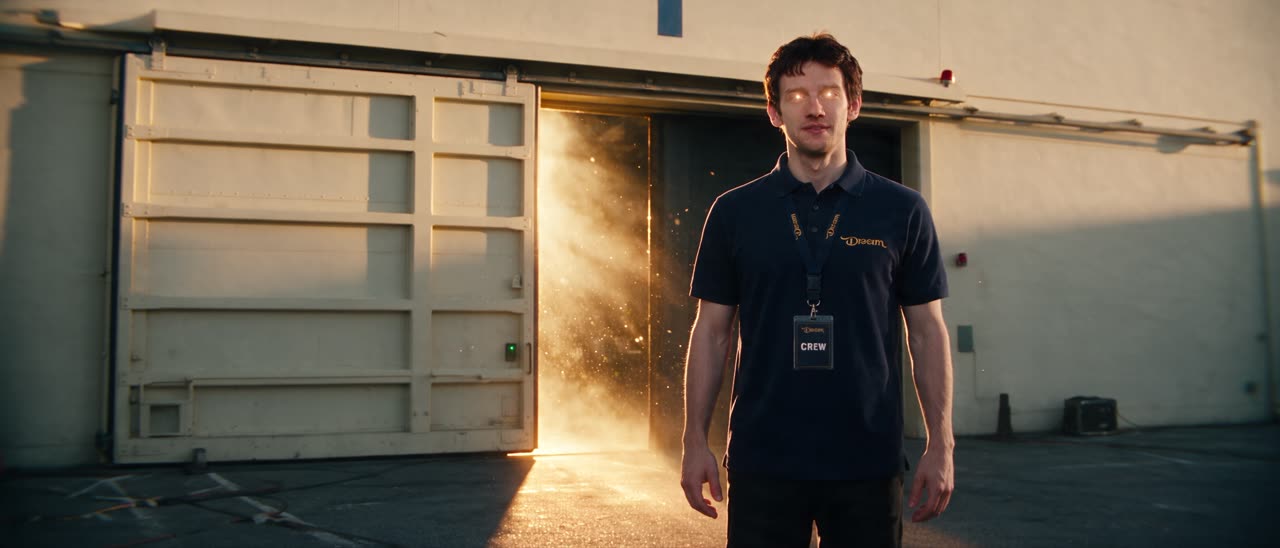 S3-B1-01
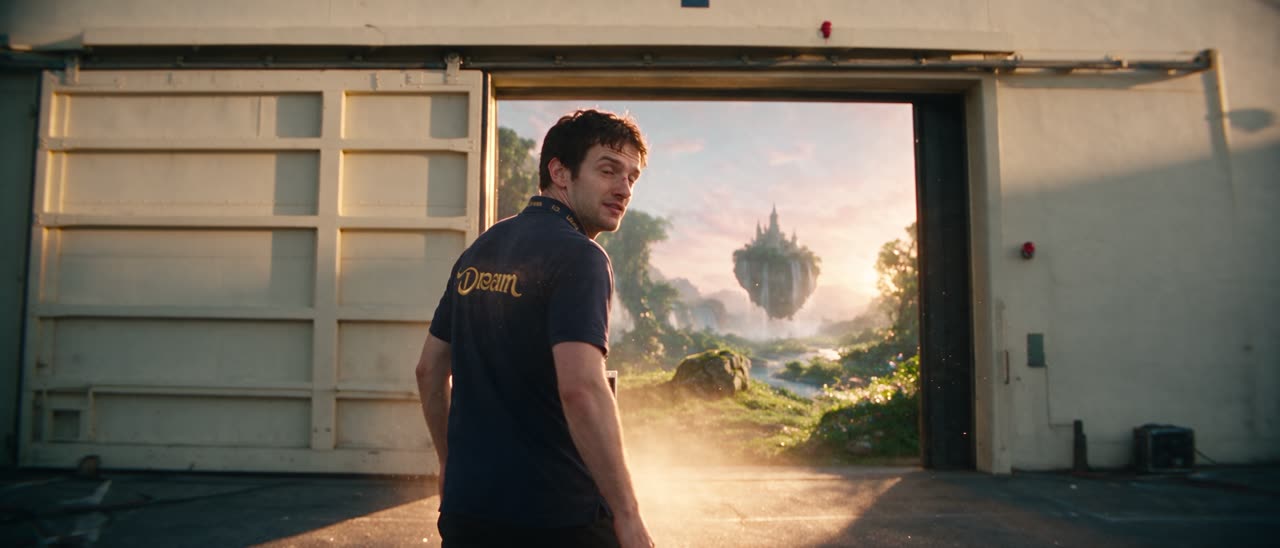 S3-B2-02
 S3-B3-03
 S3-B4-04a
 S3-B4-04b
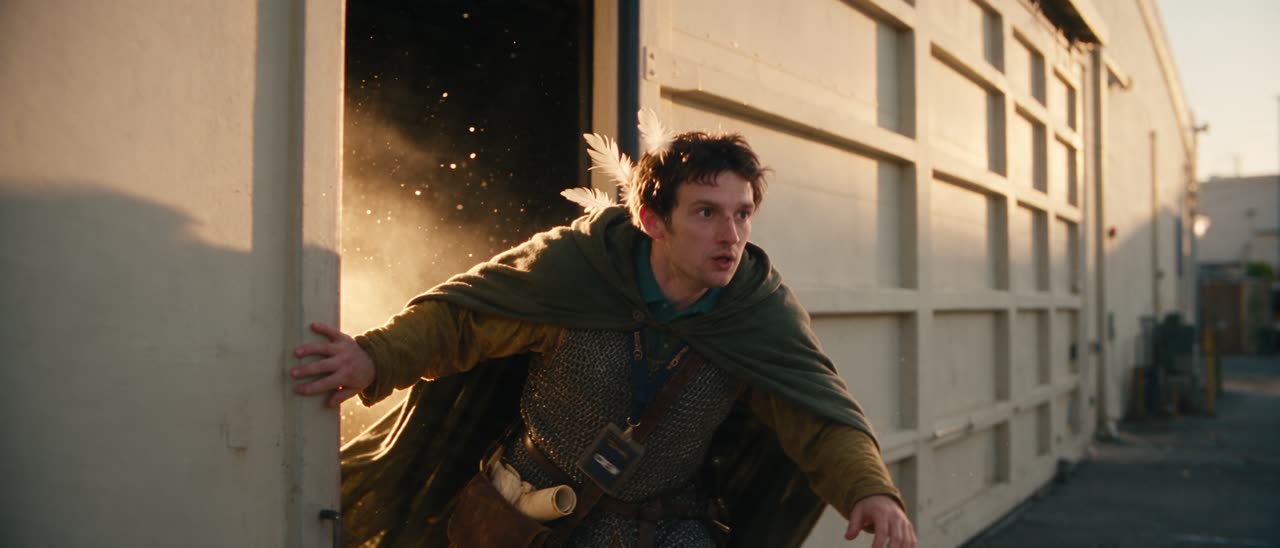 S3-B5-05
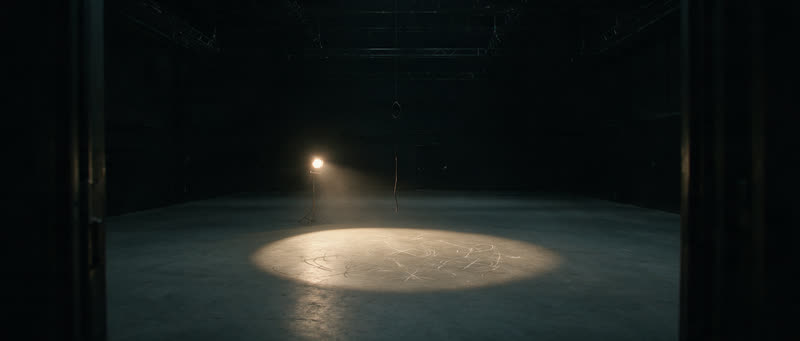
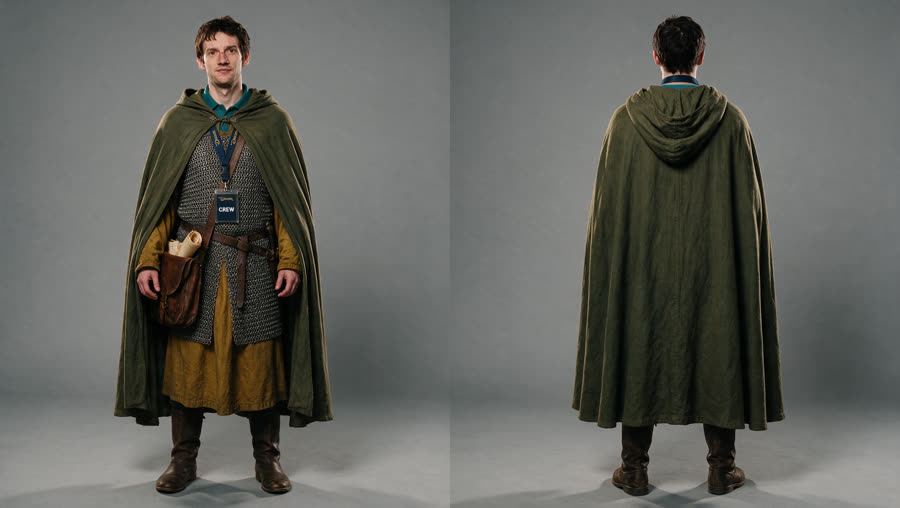
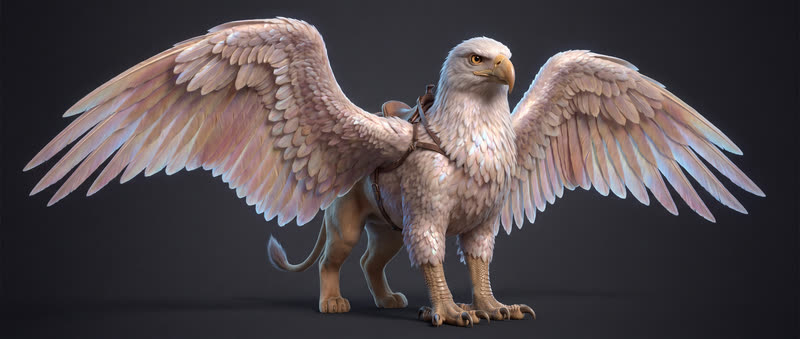
Edit · v4
IN REVIEW2 NOTES
- S3-B1-01.mp4
- S3-B2-02.mp4
- S3-B3-03.mp4
- S3-B4-04a.mp4
- S3-B4-04b.mp4
- S3-B5-05.mp4
- 00:09 Hold on Leo a beat longerSam Okafor
- 00:26 Griffin lands too earlySam Okafor
- S3-B1-01.mp4
- S3-B2-02.mp4
- S3-B3-03.mp4
- S3-B4-04a.mp4
- S3-B4-04b.mp4
- S3-B5-05.mp4
- 00:09 Hold on Leo a beat longerSam Okafor
- 00:26 Griffin lands too earlySam Okafor
- 01Open cutPicks in board order, with their trims
- 02CutYour timeline, your shortcuts
- 03Choose file and sendUploaded as v4
- 04Notes come backMarkers on the timecode they were left on
- 01Import cutPicks in board order, with their trims
- 02Grade and cutYour timeline, your nodes
- 03Render and sendRendered and uploaded as v4
- 04Notes come backMarkers on the timecode they were left on
- 01Import elements and stillCast, set and still as planes
- 02Block itCamera, lens and staging
- 03Send stillRendered and uploaded as v2
- 04In reviewNext to the shot it belongs to
THREE PLUGINS
Free, in the apps you already own
Adobe Premiere ProBETA
Premiere Pro
- Open an episode's cut as a sequence, with every take trimmed
- Send your export back as the next version of an edit
- Open notes land on the sequence as markers
- Open notes carry over to the new version
DaVinci ResolveBETA
DaVinci Resolve
- Import an episode's cut as a timeline, picks and trims in board order
- Render and send it back as the next version of an edit
- Open notes land on the timeline as markers at their timecode
- See the open notes count and open the version in Review
BlenderBETA
Blender
- Import a shot's elements and still as references
- Still as camera background, lens from the shot
- Send a render as a new version on the shot
- Send a playblast as a 3D clip on the shot

SET UP
Three steps, once
- 01
Make a personal key
In Filmsquare: Settings → Plugins. The key is shown once and works as you in one workspace.
- 02
Install
Premiere: open the
.ccx. Resolve: unzip it and follow the install guide. Blender: Install from Disk. - 03
Sign in and pull
Paste the key, pick the production and the episode, and pull the cut.
RIGHTS
As you, never more
- Your role, one workspaceA plugin can do what you can, where you can. Revoke the key and it stops.
- Versions, never overwritesEvery upload is a new version next to the board cut. Sign-off still decides what ships.
- No credits for the tripPulling and sending cost nothing. Takes cost what they cost anywhere in Filmsquare.
Questions
What does a plugin cost?
Nothing. The plugins are free. Takes cost credits as they always do; pulling a cut or sending a version costs none.
Which versions of the apps?
Each plugin's card names the oldest version it runs on. Blender needs 4.2 or newer.
Do I need DaVinci Resolve Studio?
No. In free Resolve the plugin runs next to it and hands you the cut as a timeline file, with the notes as markers: File → Import → Timeline. Studio gets the docked panel.
Can a plugin do more than I can?
No. It signs in with your personal key and works in one workspace with your role. Revoke the key and the plugin stops.
Does my edit replace the cut on the board?
No. What you send is a new version next to the board cut. Nothing in Filmsquare is overwritten, and the open notes carry over.