Board a scene
Give every shot of a scene a still, pick the best take of each, and read the scene as a storyboard before any video is made.
Steps
Open the storyboard
Storyboard, then Storyboard again, is a grid of the episode's shots in cut order, one frame per shot, grouped by scene. A shot with nothing to look at yet is an outline.
Describe the shot
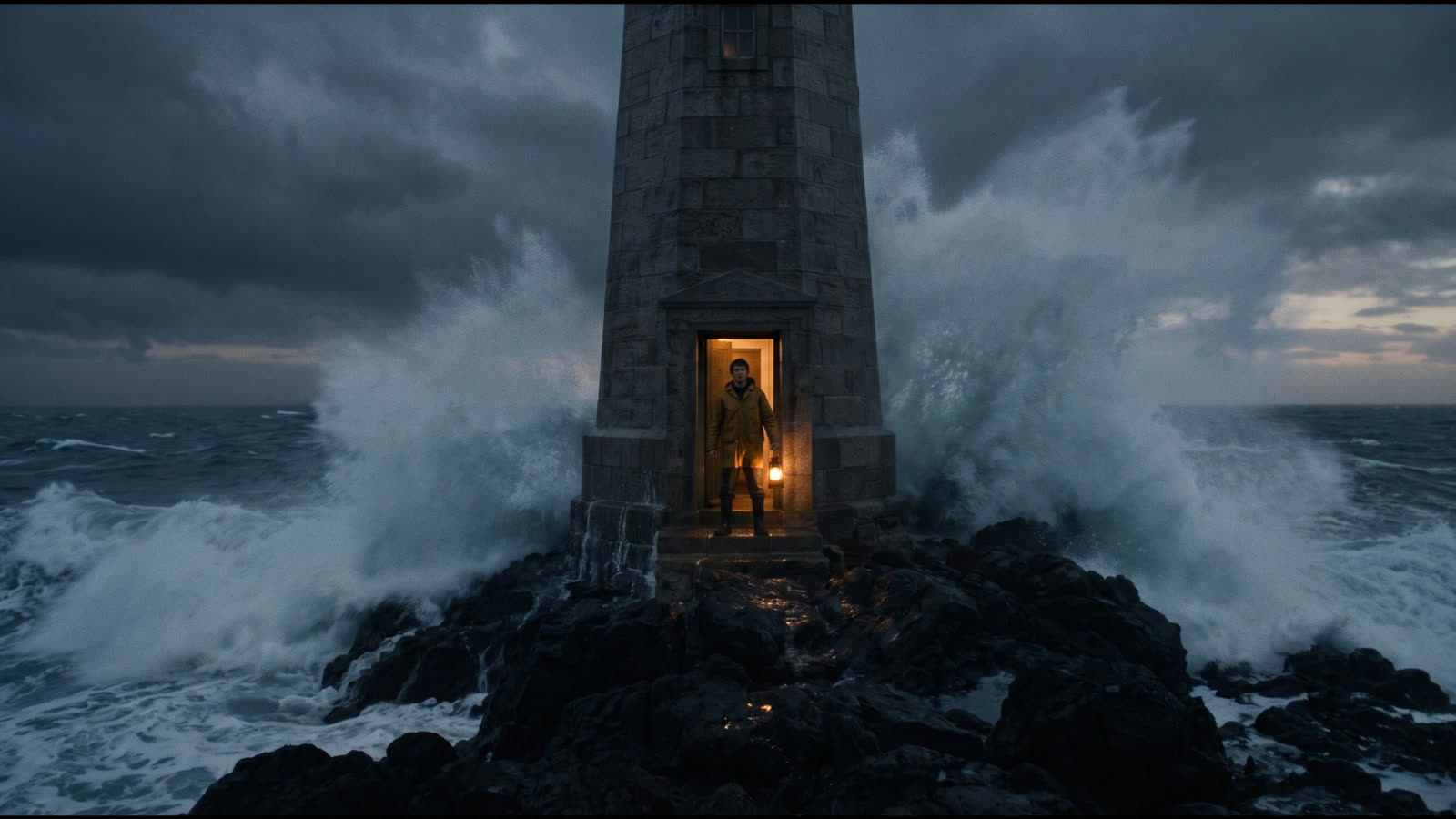
Select a frame. The panel beside the board shows it large with its Description: write what the camera sees, or copy the prompt on this page for the keeper at the lamp room hatch.
Make the stills
Choose Make 6 stills: the button counts the shots without a still and shows the price of all of them in credits and euros before you start. Each still is a draft take. For one shot at a time, choose New still in its panel; its price stands on the button.
Pick a take
Under Takes, click the still you want for the shot. The board counts what is picked, as in 4 of 6 picked, and the picked still goes to the animatic.
Put the shots in order
Drag a frame to move its shot, or press Alt and an arrow. There is one order: a move on the board moves the shot in the shot list and the cut too. Arranging the board needs the director role.