Fix one thing in a take
Change one detail of a still with a sentence, such as a stray object or the colour of a coat, and compare the new take with the one it came from.
Steps
Open Retouch
Create, then Tools, does one operation on a take. Retouch fixes one thing in a still from a sentence. Using a tool needs the maker role or higher; a tool that reads Not live yet is not set up on this server.
Choose the still
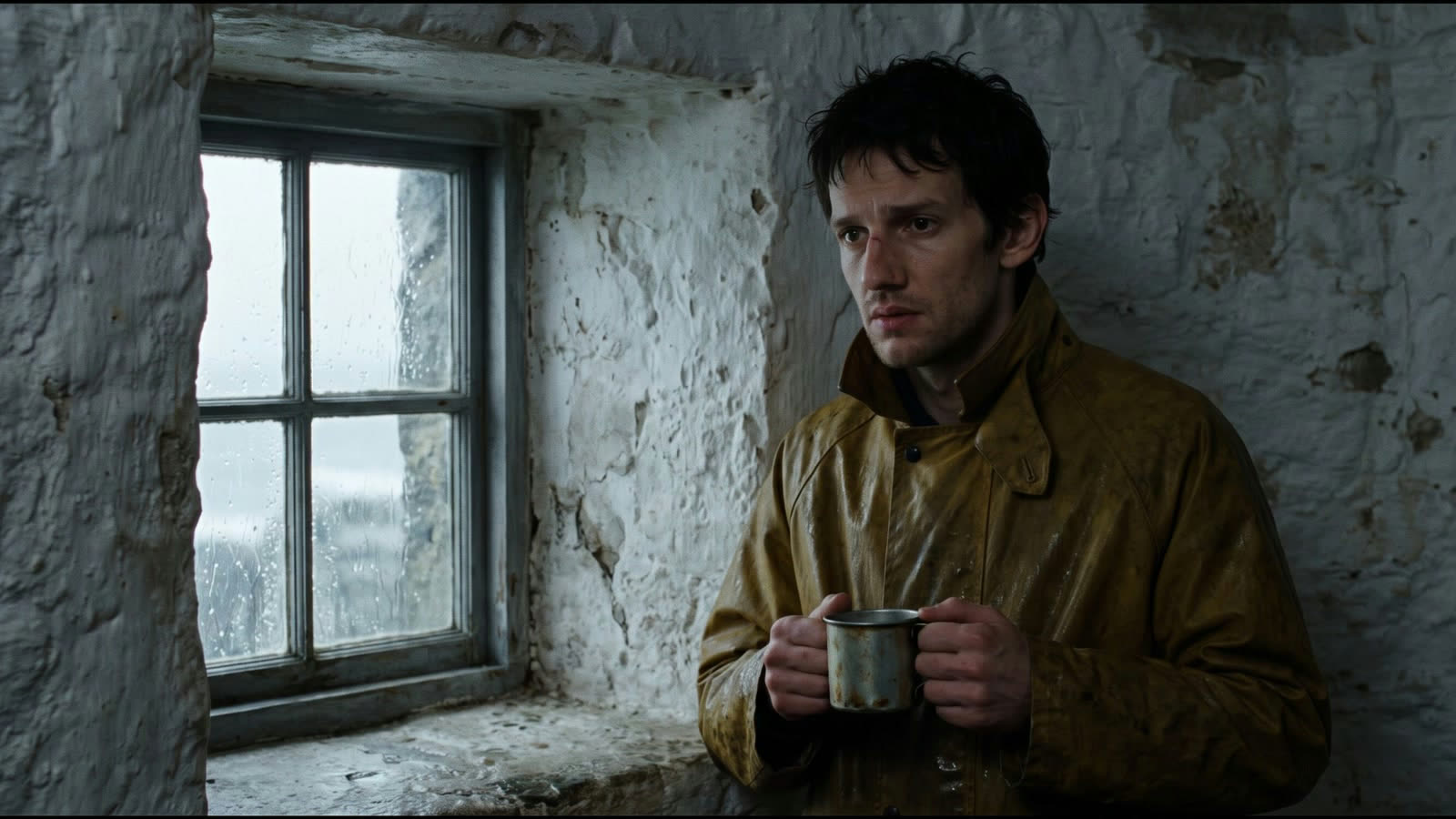
Pick the take to fix under the picture. Retouch works on stills, so take the picked still of the shot, for example the keeper at the window.
Say what to change
Under Change, start with Remove, Replace, Recolour or Add and finish the sentence. Name one change in plain words, or copy the prompt on this page. Nothing masks the rest of the picture: say in the sentence what must stay, and compare the result with the original.
Make the take
Choose Make take. The button shows the price in credits and euros before you start.
Keep it or not
The new take lands next to the one it came from, before and after on the picture. Choose Pick to put it in the shot, Again for another try, or Open in shot. The original take stays.