How do I hand a shot to a freelance maker?
Write a brief for the shots, offer it to a maker, and review what they deliver. A producer does this under Crew & sign-off, then Makers. The fee is a recorded agreement: signing off a delivery books no cost.
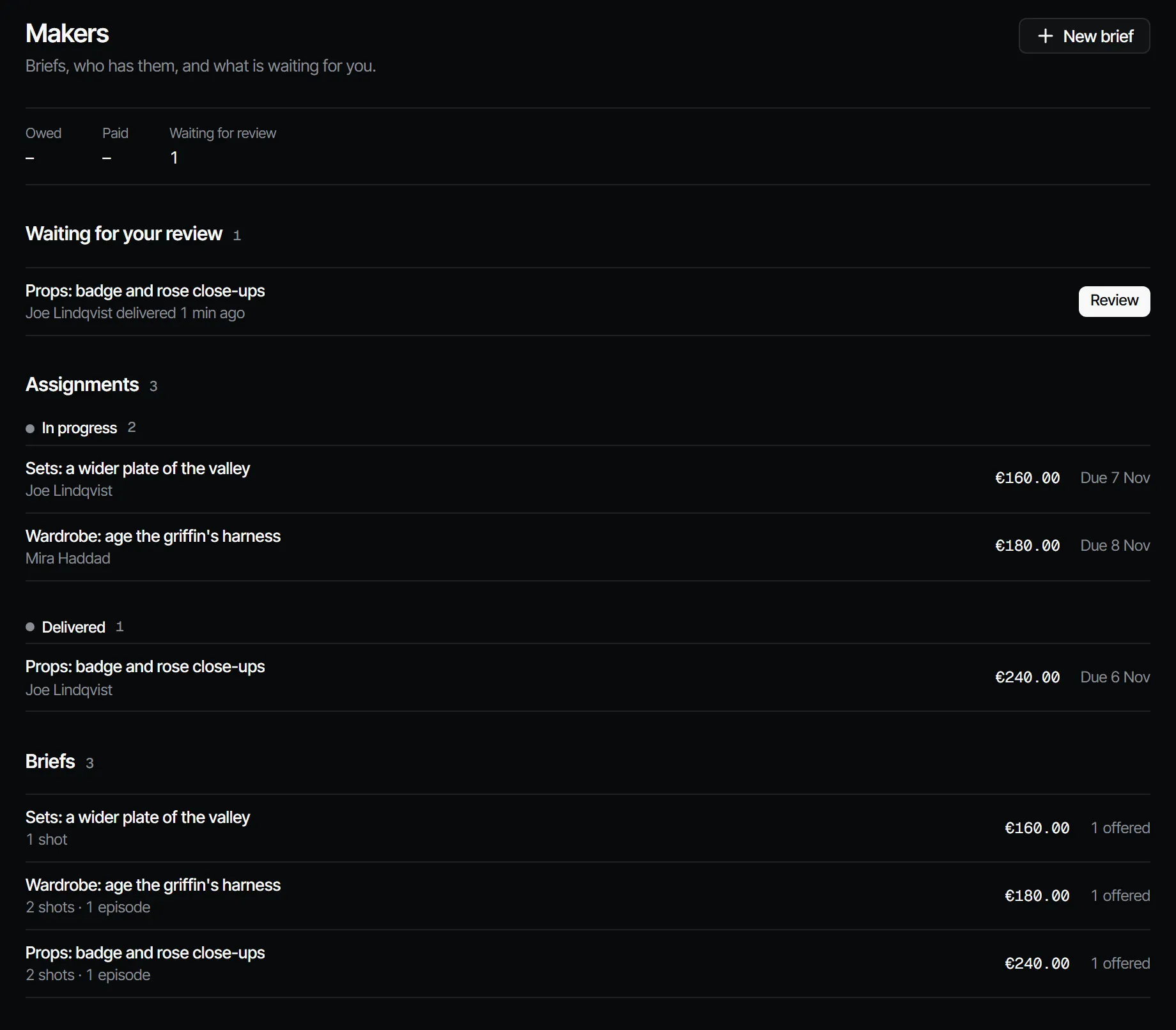
Write and offer a brief #
- Open the production and choose Crew & sign-off, then Makers.
- Choose New brief.
- Fill in the Title, What the maker needs to know and the Acceptance criteria, one per line.
- Set the Fee, Currency and Deadline. A Batch bonus is optional.
- Link the shots or episodes under Shots and episodes, then choose Create brief.
- On the saved brief, under Offer to a maker, choose the Maker, change the Fee for this maker if it differs, add A note with the offer if you like, and choose Offer brief.
Writing briefs needs the producer role, and the maker needs the maker role or higher. A freelancer invited with Assigned work only sees the production from the moment the offer is made, see how do I let a freelancer see only their own work.
What the maker does #
The maker finds the brief under Your work and My assignments.
- Choose Accept or Decline, then Start work.
- Make the takes on the linked shots, or upload a file.
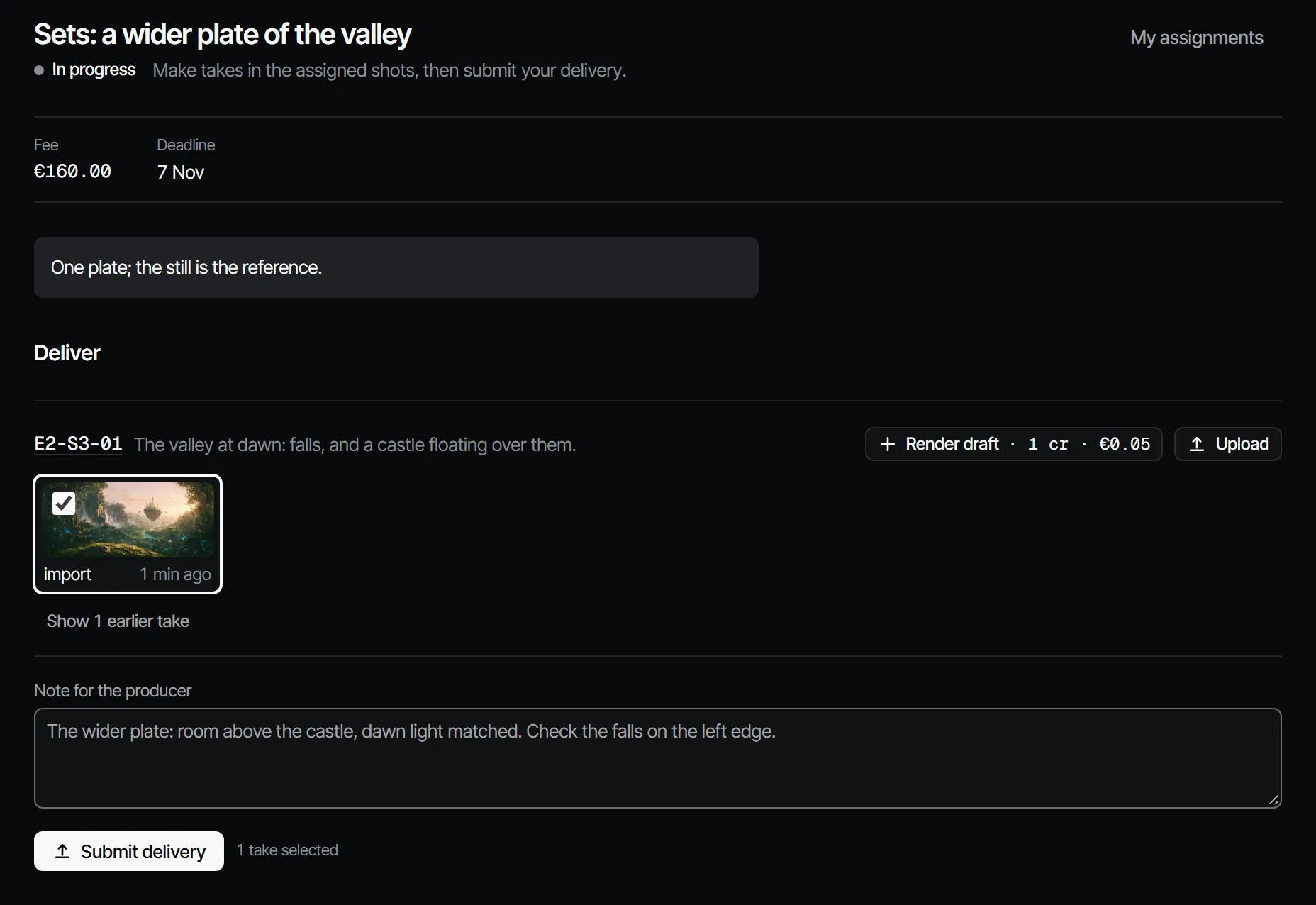
- Tick the takes to hand in, write what to check first under Note for the producer, and choose Submit delivery.
Review the delivery #
Deliveries wait under Waiting for your review. Open one, look at the takes and comment on them, then choose Sign off, or Request changes with a note. After Request changes the maker chooses Start on the changes and delivers again.
What about the fee? #
Payment happens outside Filmsquare. Once it is paid, open the assignment and, under Payment, add an optional Payment reference and choose the button that names the amount, for example "Mark €150.00 as paid". This records the payment against the fee that was agreed. The Makers overview shows what is Owed and what is Paid. More in briefs, assignments and deliveries.