How do I ask someone to sign off my work?
Open the department and choose Ask for sign-off, with a note on what to look at. Whoever the department's rule names gets a notification and decides: Sign off, or Request changes with a note. Anyone with the maker role or higher can ask.
Ask #
- Open the department, for example from its square on the production's Home.
- Choose Ask for sign-off. It shows once the department has work in it. The dialog names who is notified.
- Add a note: what changed, what to look at.
- Choose Ask for sign-off again to send it.
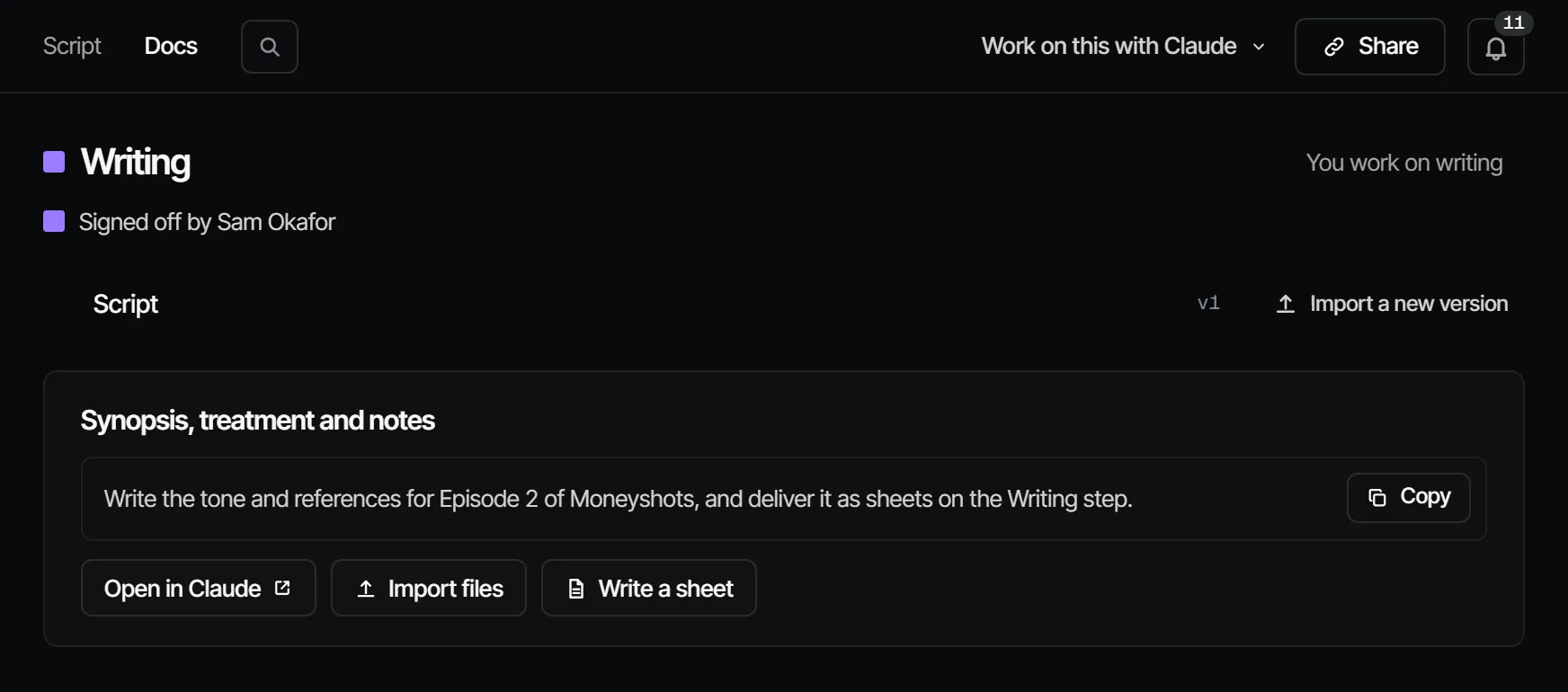
The department now reads that it waits for sign-off, and says for whom. Who can decide is the department's rule, see who can sign off a department.
What the signer does #
The signer opens the department, looks at the work and chooses Sign off (on the board the button names the department, for example Sign off writing), or Request changes and writes what should change. Either decision is recorded in their name. After Request changes the department reads Changes requested; fix what the note says and ask again.
If the work changed while the signer was looking, the sign-off is not recorded and the new work loads first, so nobody signs off what they did not see. See asking for a sign-off and signing off or requesting changes.
Where the signer finds it #
The request waits under Waiting for you on the signer's Home, in the sign-off queue on their phone, and in their inbox. More in where do I see what is waiting on me.
Can Claude ask for me? #
Your own Claude can send the request when you ask it to, in your name and with your role. It never signs off unasked.