Can I skip a department or add one?
Yes. A producer or the owner can skip a department the film does not need, and add Voices, Music, Sound or Edit as extra departments, both on the Crew & sign-off page. The Animatic and the Final cannot be skipped: the finals gate always needs the animatic.
Skip a department #
- Open the production and choose Crew & sign-off, then Crew.
- Find the department's row under Sign-off rules.
- Choose Skip on the row. The button now reads Skipped · run it.
To run it again, choose Skipped · run it. For example, a trailer can skip Wardrobe and bring it back later. People who are not producers see Skipped but cannot change it.
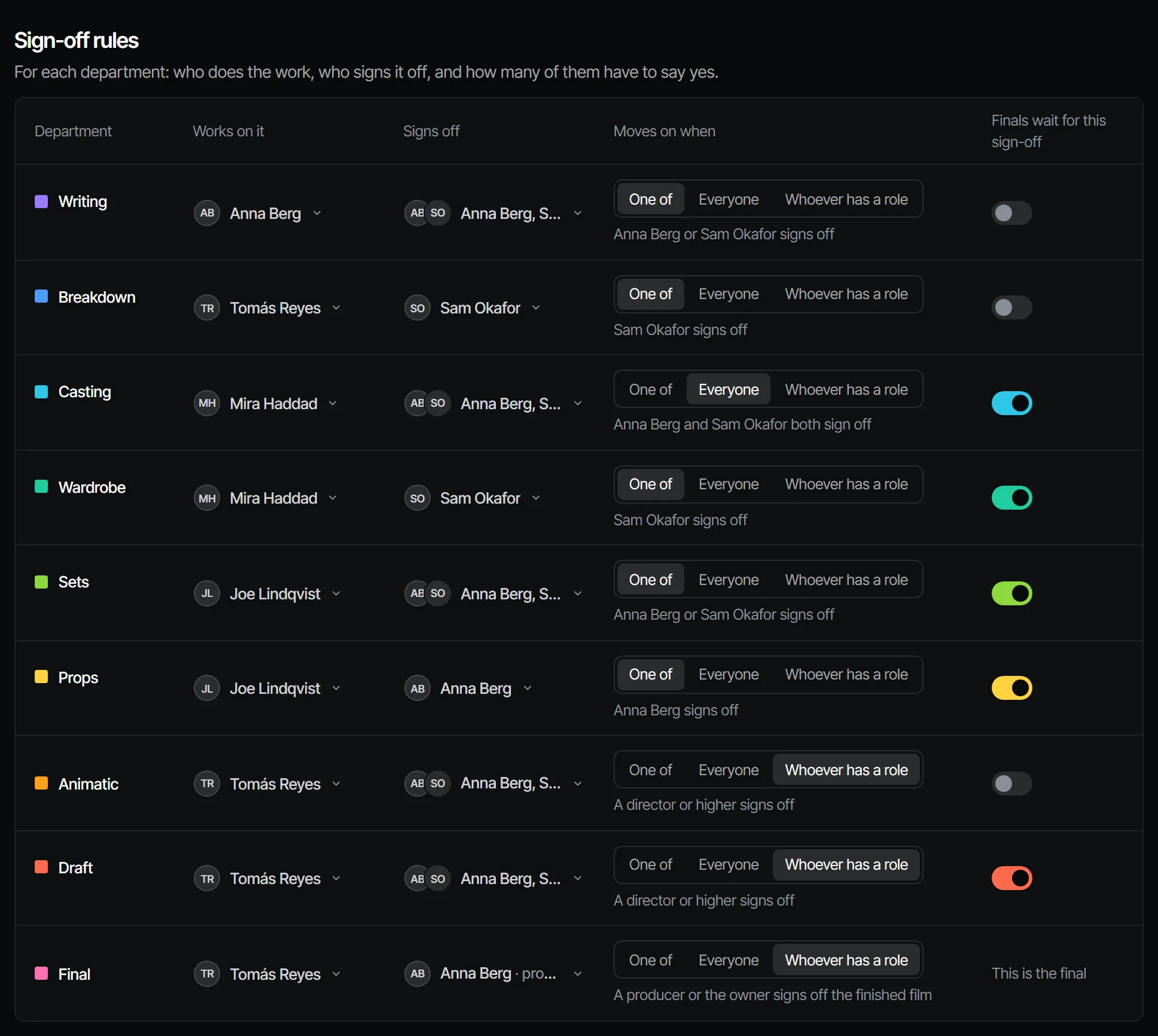
Add an extra department #
- On Crew & sign-off, Crew, open Add a department.
- Choose Add next to the one you want. Only the extras the production does not have yet are listed.
- Set who works on it and who signs it off, like any department.
| Extra | Covers |
|---|---|
| Voices | Casting and recording the voices of your characters |
| Music | Scoring the scenes on the timing of the animatic |
| Sound | Effects and atmosphere for the scenes and shots |
| Edit | Assembling the cut from the picked finals and signing it off |
Each one belongs to a core department, sits right after it and signs off like any step. To take an extra out again, skip it. Details are in extra departments.
What a new production starts with #
The type you pick when you make a production decides which blocks it shows at the start. Film Studio and Series start with every block, Crew & sign-off included, so the nine core departments are there from the start. Image & video, Short video and Blank project start without it; switching the block on adds the nine steps. See project types and blocks and skipping a department.