Why can't I render a final?
A final does not render for one of three reasons: the gate in front of the finals is closed, the shots are not ready for a final, or your plan has no finals yet. The app says which one, in words.
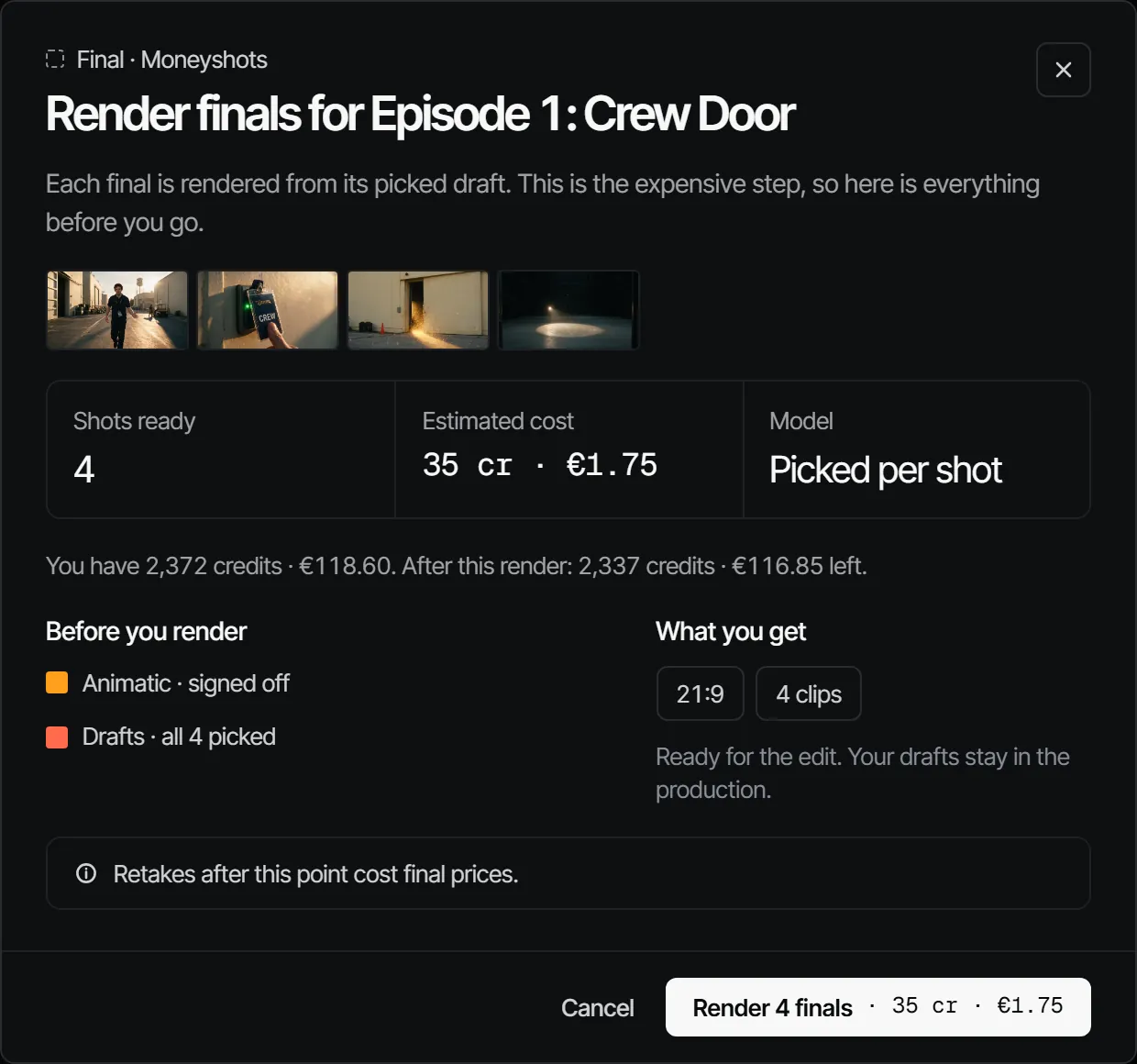
What you see and what it means #
| The app says | What it means |
|---|---|
| Finals render once the animatic and casting are signed off. (the departments it names) | The gate is closed. Those departments have not signed off yet. |
| Render finals is greyed out, with that sentence beside it | Same: the button waits until the gate opens. |
| Opens after animatic or Waits on 3 sign-offs on the Final step | The same gate, in short. |
| Place the shot in an episode before you render its final. | A shot that is in no episode renders finals only in your sketchbook. |
| Final renders come with a plan, or once you buy credits. | Your workspace is on Free before any credits were bought. |
| 1 shot has no draft picked yet | A final is made from the picked draft of a shot. |
You also need the director role or higher to see Render finals at all.
What to do #
- Open the Final step and read the sentence in the dialog Render finals for …. It names the departments the gate waits on.
- Ask each of those departments for sign-off, or ask the signers to decide. A sign-off older than the work under it does not count: see Why does a department say "Changed after sign-off"?.
- Pick a draft for every shot that has none.
- For the plan message, open Billing and buy credits or get a plan.
- Choose Render finals.
How the gate works is in the gate in front of the finals.