Why can't I see a production or press a button?
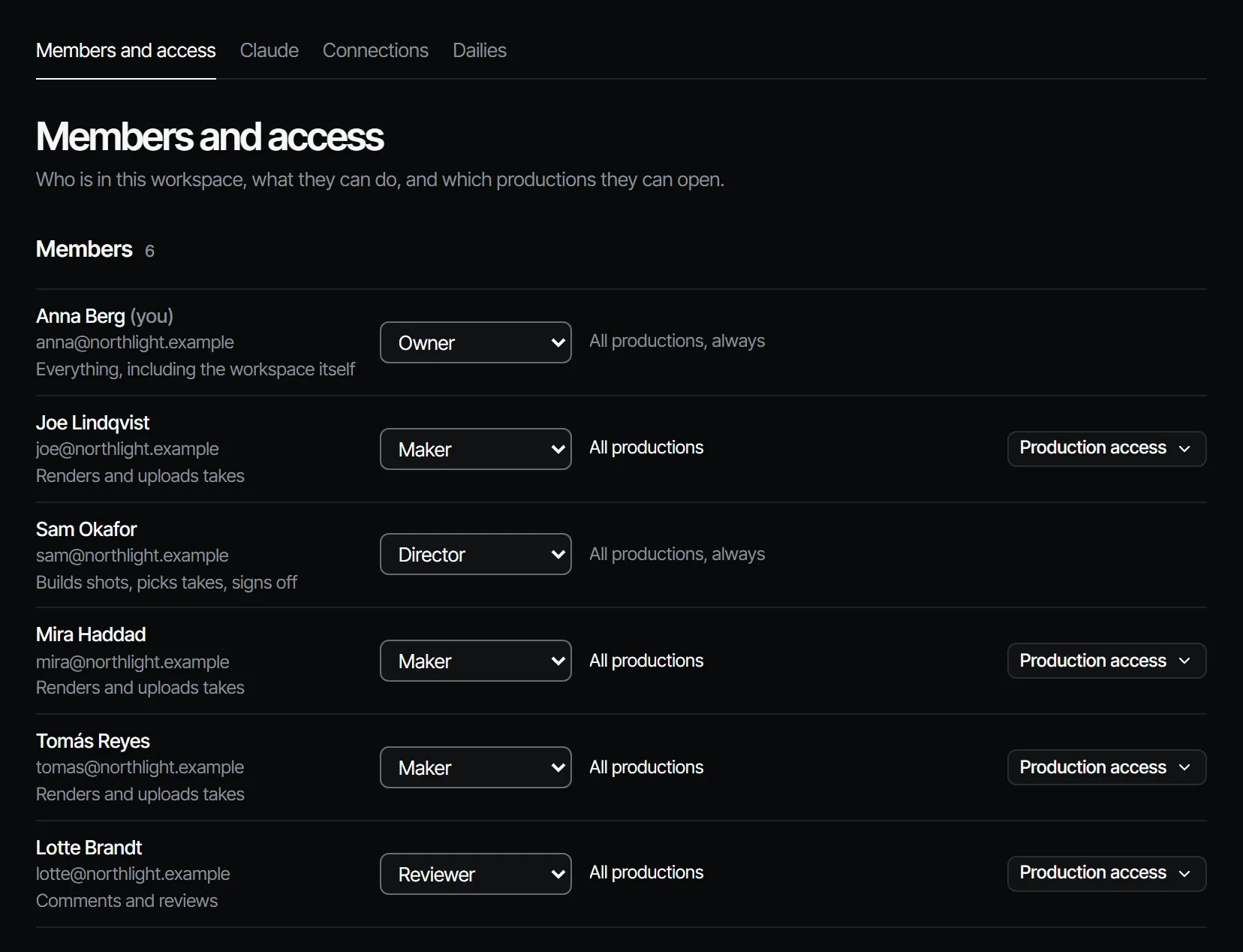
Two things decide what you see: your role in the workspace, which sets what you may do, and your production access, which sets where. A button that is missing or greyed out is normally your role. A production that is missing is normally your access, or a freelance access that waits for a brief.
A production is missing #
| Your production access | What you see |
|---|---|
| All productions | Every production in the workspace. |
| Only these productions | The productions ticked for you, and any production you are assigned work in. |
| Only what they are assigned | A production once a brief in it is offered to you. Until then you see nothing. |
Owners, producers and directors open every production. If you work as a freelancer, the production appears when a producer offers you a brief. A producer or owner can change your access under Settings → Members. A production's Settings → General lists its People: everyone who can open it.
A button is missing or does not work #
| You want to | You need at least |
|---|---|
| Make a production or an episode, invite crew, change sign-off rules | Producer |
| Make shots and scenes, pick takes, import a script, reorder the cut, Render finals | Director |
| Render takes on shots, add elements, ask for sign-off, Export MP4 | Maker |
| Comment and reply | Reviewer |
| Open and read | Viewer |
Signing off is its own rule per department. If you are not a signer there, the app says: "You don't sign off this department in this production." Without a rule, a director or higher signs off.
Buying seats and credit packs is for the owner. Reviewers and viewers look and comment, and nothing else.
What to do #
- Check your role under Settings → Members, or ask the person who invited you.
- Ask a producer or owner for the role or the access you need. They change a role with the role menu there.
- For sign-off, ask a producer to add you on the Crew page, under Crew & sign-off → Crew.
More on both is in Crew, roles and access and production access.