3.0 The departments3.7 Props
Props
How props become elements with references and versions, and what signing off Props means for the finals.
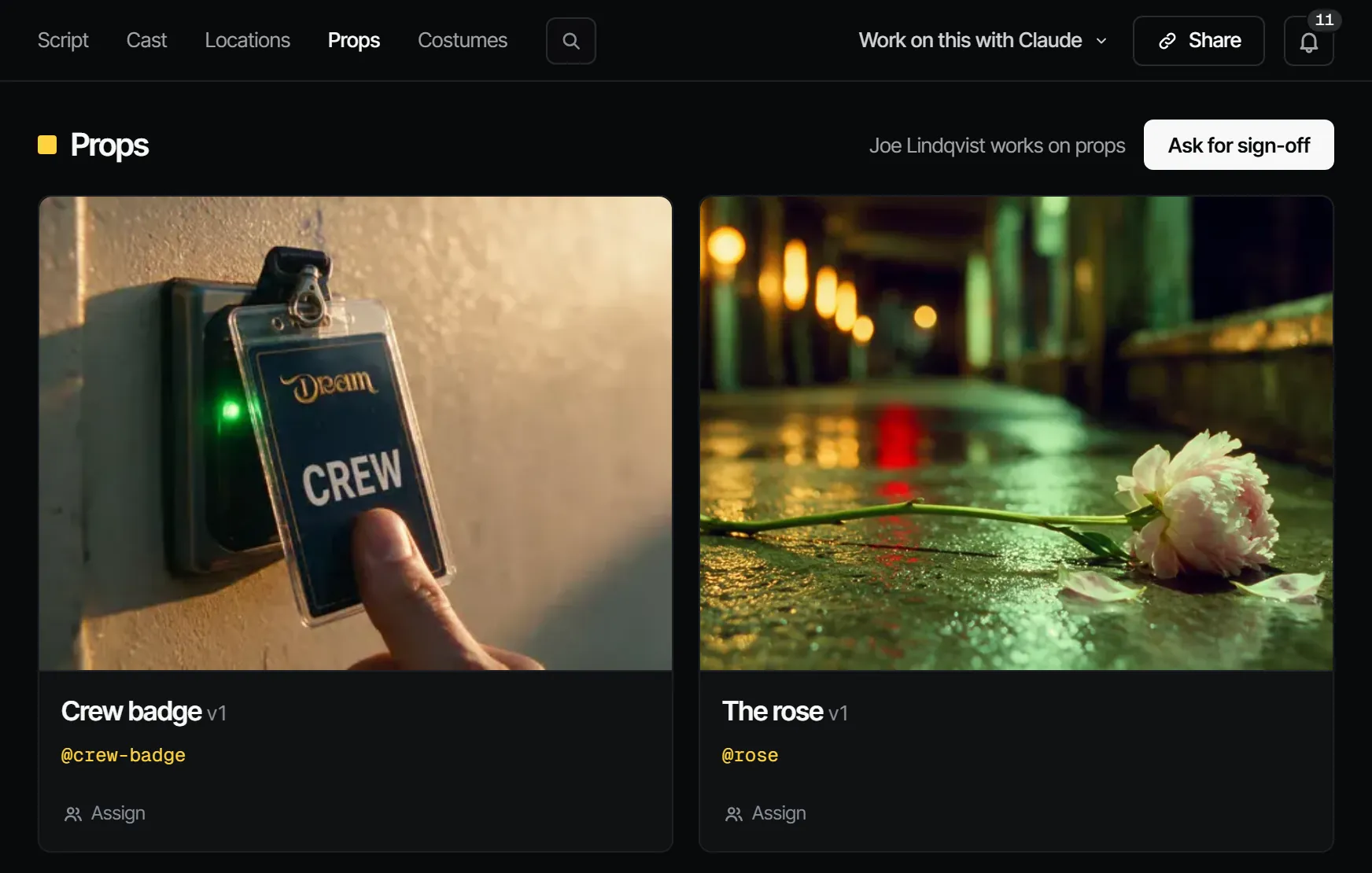
Props are the objects the story needs: the lantern, the letter, the gun. Each becomes an element with an @handle, versions and reference pictures, so the same object shows up the same way in every shot.
What this step produces #
A signed-off look per prop: a current version with reference pictures. Cast & sets → Props shows a card per prop with its version and who works on it, or "No props yet."
Who works on it #
On a film crew, a props master or the production designer does the work and the director signs it off. Those are crew jobs, not Filmsquare roles: what a person may do comes from their workspace role. A producer can assign the step, or one prop to one person, on that page.
How AI prepares it #
- The breakdown brings in the props it finds. To add one yourself, choose New prop.
- Open the prop. Render a sheet under Sheets and choose Sign off as reference, or add a photo with Add reference.
- Put the prop in a shot by naming it in the prompt with its @handle. The prompt compiler chooses which reference pictures go with each shot.
See Elements, versions and @handles.
Signing it off #
Signing off Props says: these are the objects. Props locks the finals by default.
What makes it go stale #
A new version (v2 and up) of a prop makes Props Changed after sign-off in every episode that uses it ("A new prop version came in after the sign-off"). The change flows on to the Animatic, the Draft and the Final.
The lineage check flags a shot whose cast or props are missing, and a visual check compares what is in hand or on the set between shots. See Continuity.
What it costs #
A prop sheet is a still: 1.66 credits · €0.08 on Seedream 5.0 Pro, or 2.94 credits · €0.15 on Nano Banana 2 where the server offers it. Routing picks the model with the lowest cost per accepted take unless you choose one. See Credits and what things cost.
With your own Claude #
The tools are under With Claude on this page. Rendering a sheet, accepting it and forking a version go through
find_actions and run_action.
With Claude
MCPYour own Claude does this over MCP, in your name and with your role:
work_on_stepPromptA working method: prepares one department step of an episode for sign-off, with the cost first.
Ask: Use the Filmsquare work_on_step prompt for Props on episode 2.
view_mediaLooks at a still, keyframe or take; video comes back as its poster plus a download link.
Ask: Show me the picked still of shot 3 and tell me if it matches its references.
upload_fileAdds a file you have as a new take on a shot or scene, or as a production asset (10 MB at most).
Ask: Upload this reference photo to the assets of the production.
get_continuityLays an episode's picked shots side by side, with the element versions each one uses.
Ask: Lay out the picks of scene S2 for a continuity check.
report_continuityRecords the continuity check you did; each mismatch becomes a note on the shot's pick.
Ask: Check continuity in scene S2 and report the mismatches you find.
request_signoffAsks the signers of a department step to sign off; they get a notification.
Ask: Ask the signers of Props on episode 2 to sign off, with a note on what changed.
sign_offRecords your decision on a step: signed off or changes requested. Only when you ask it to decide.
Ask: Sign off Props on episode 2 for me.
find_actionsSearches everything the API can do and returns the matching actions with their inputs.
Ask: Find the action that changes a step's sign-off rule.
run_actionRuns one action found with find_actions, as you, with your role and rights.
Ask: Pick the second take of shot 5 on episode 2.
Connect Claude 5.1